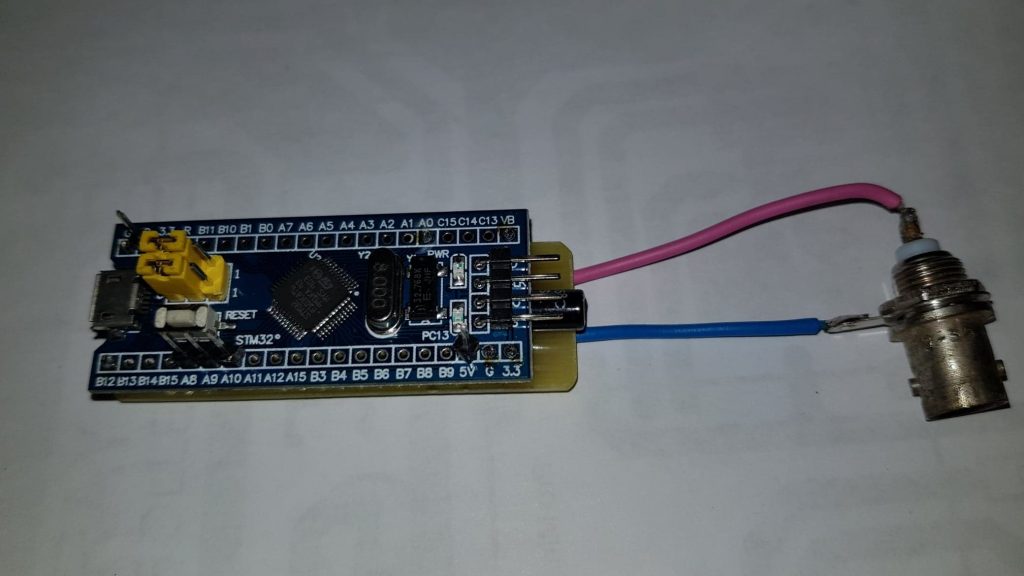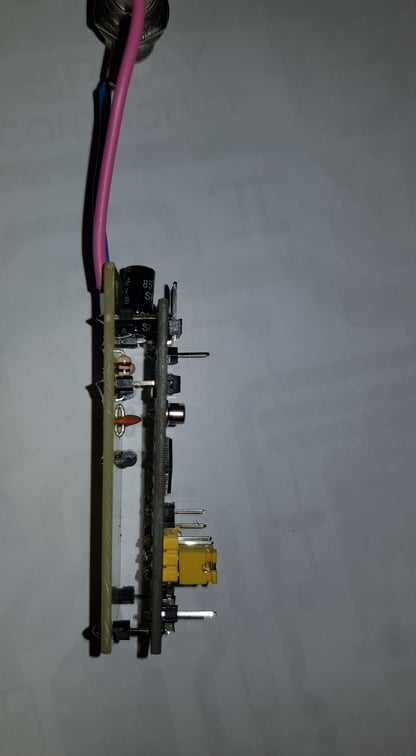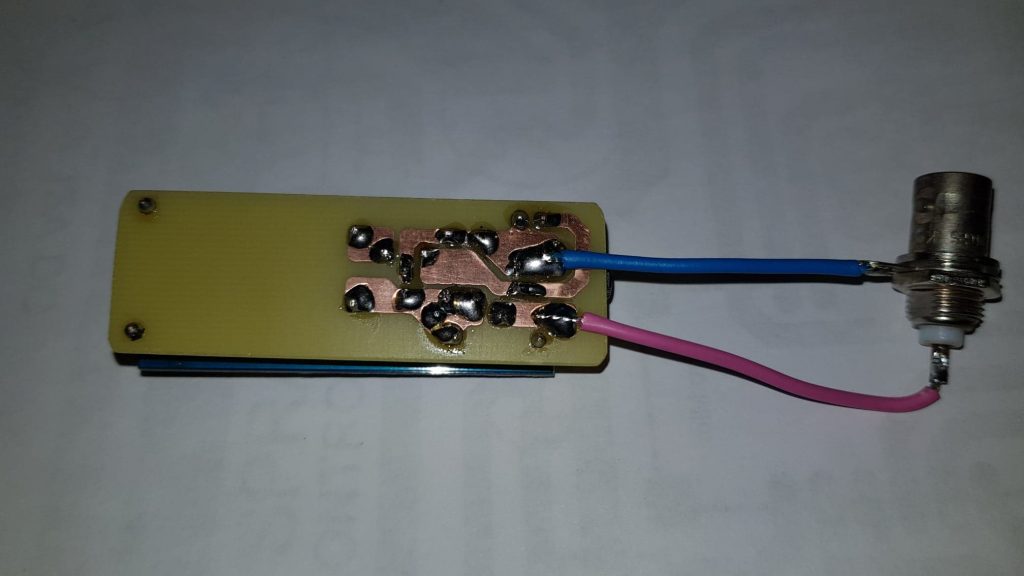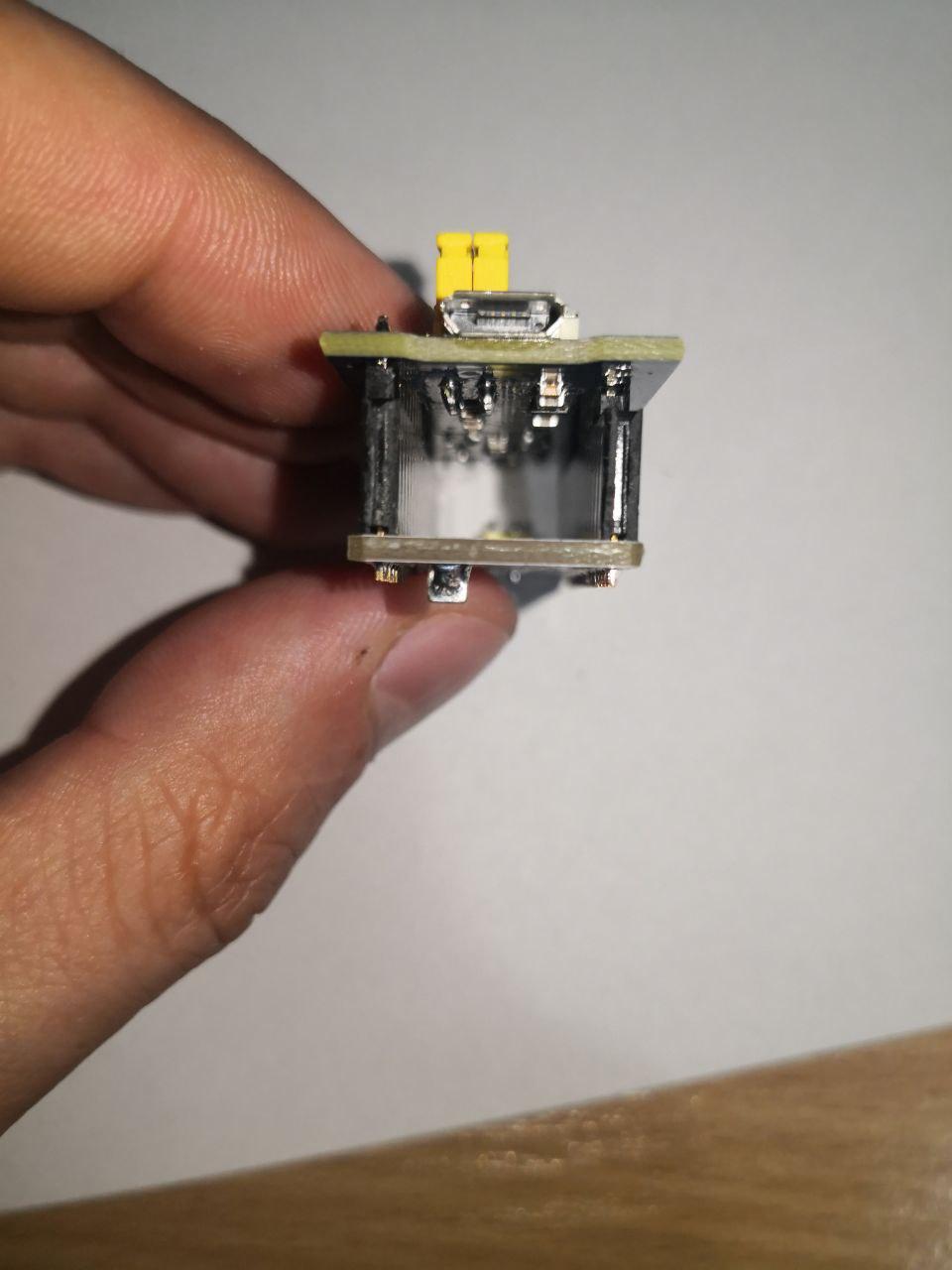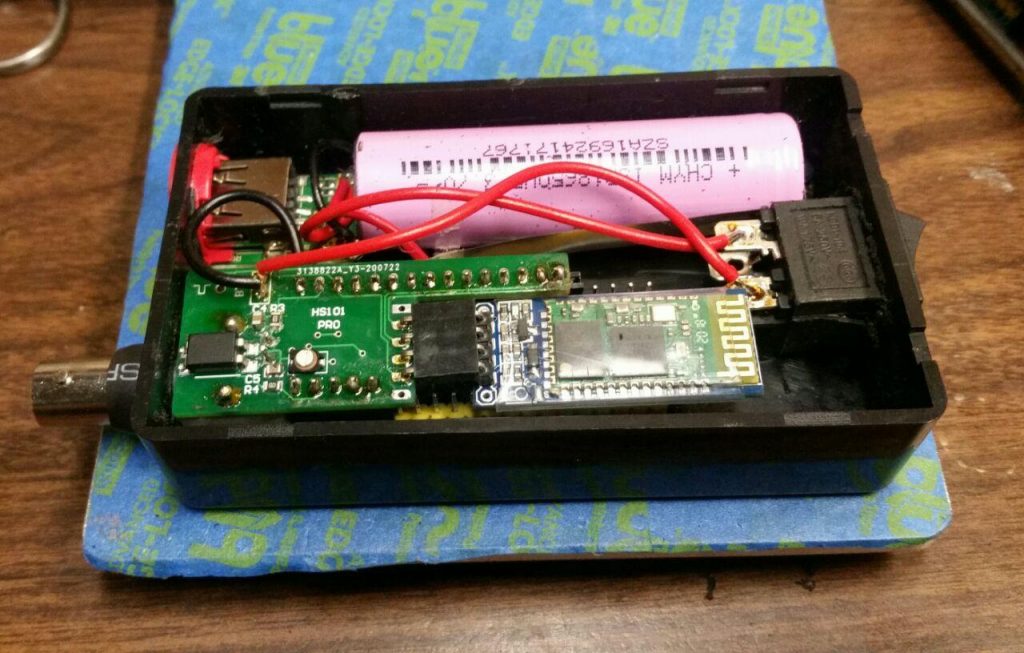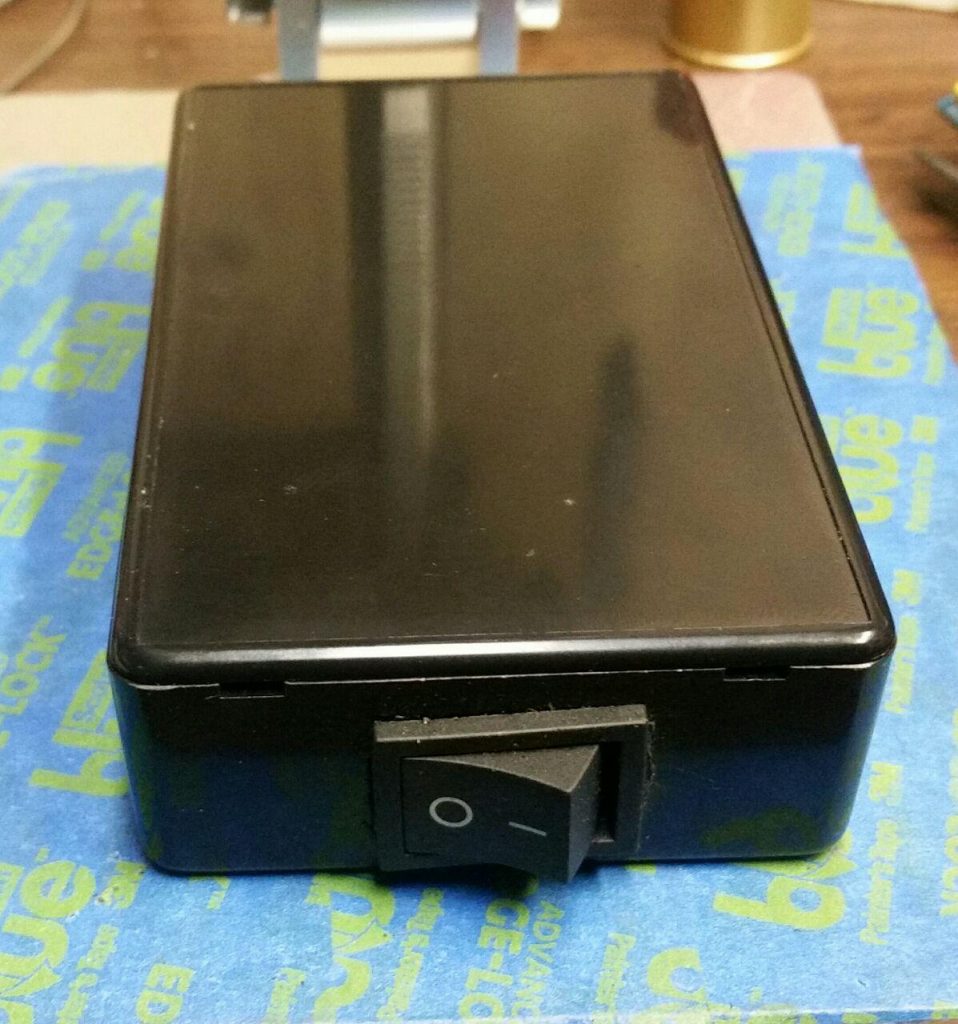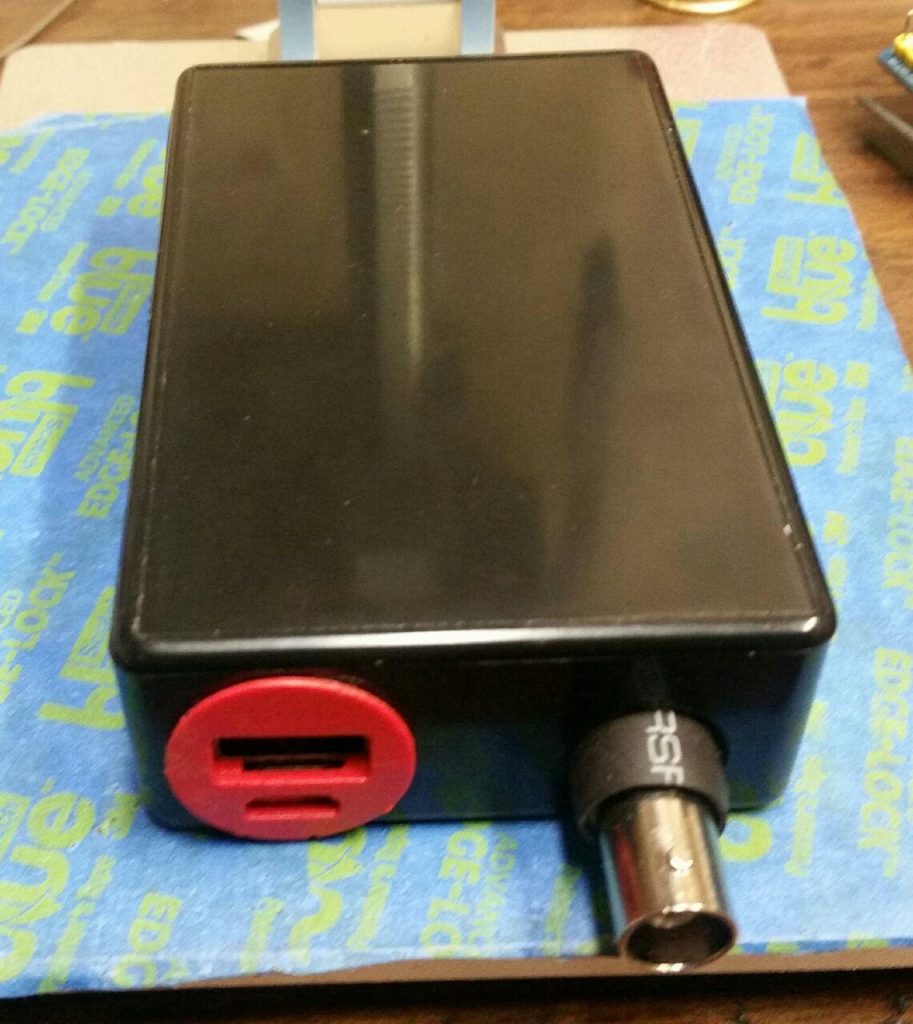
HS101 PRO DIY Oscilloscope

HS101 PRO DIY Oscilloscope

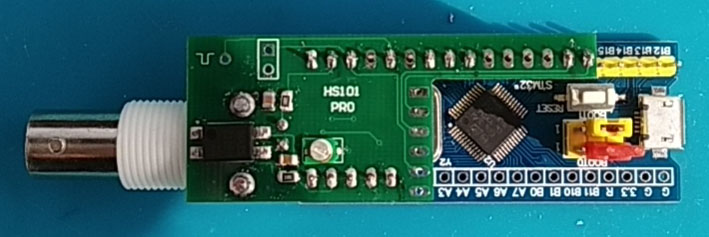
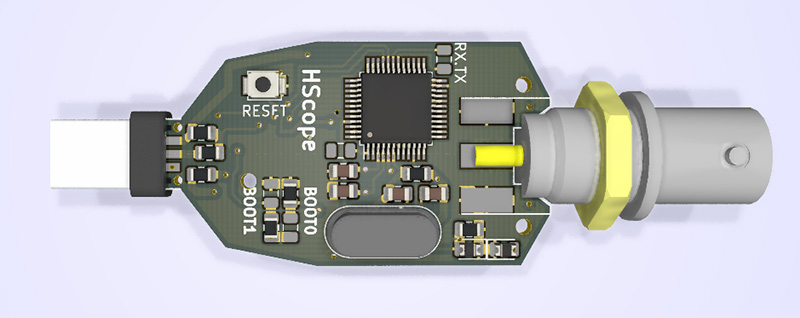
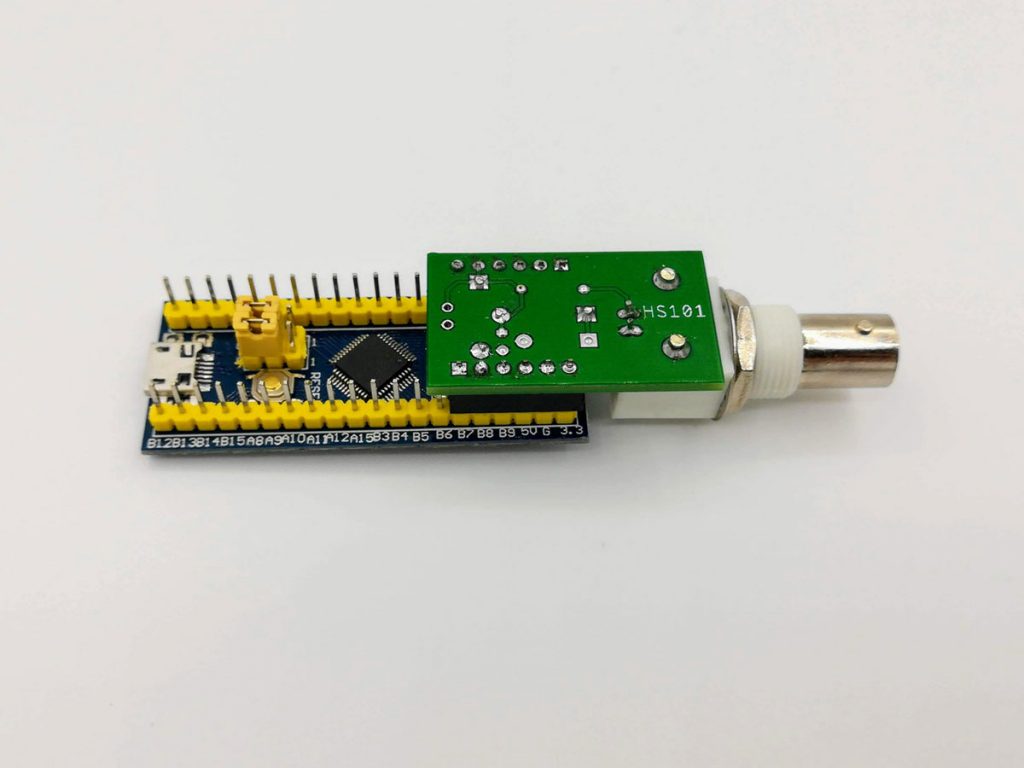
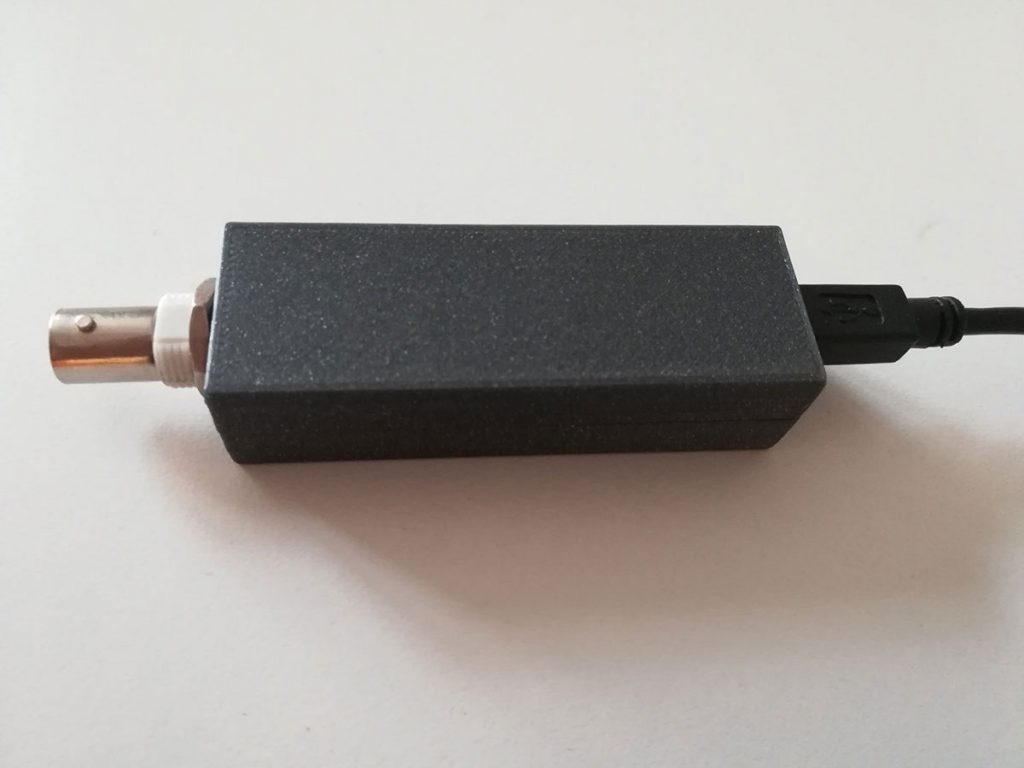
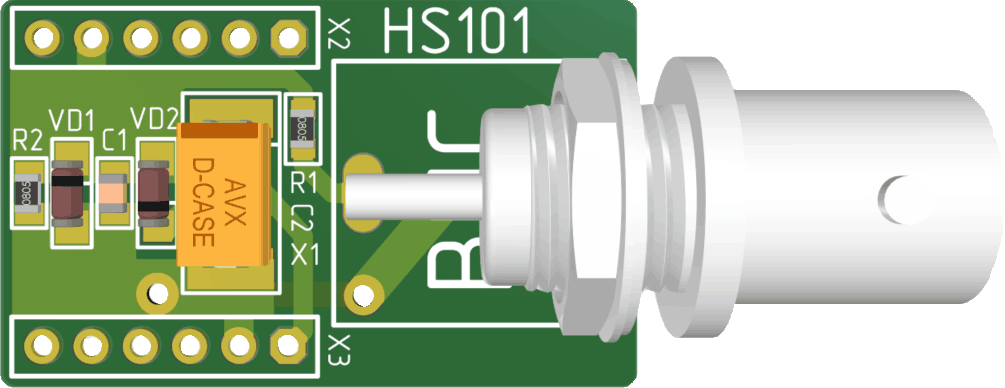
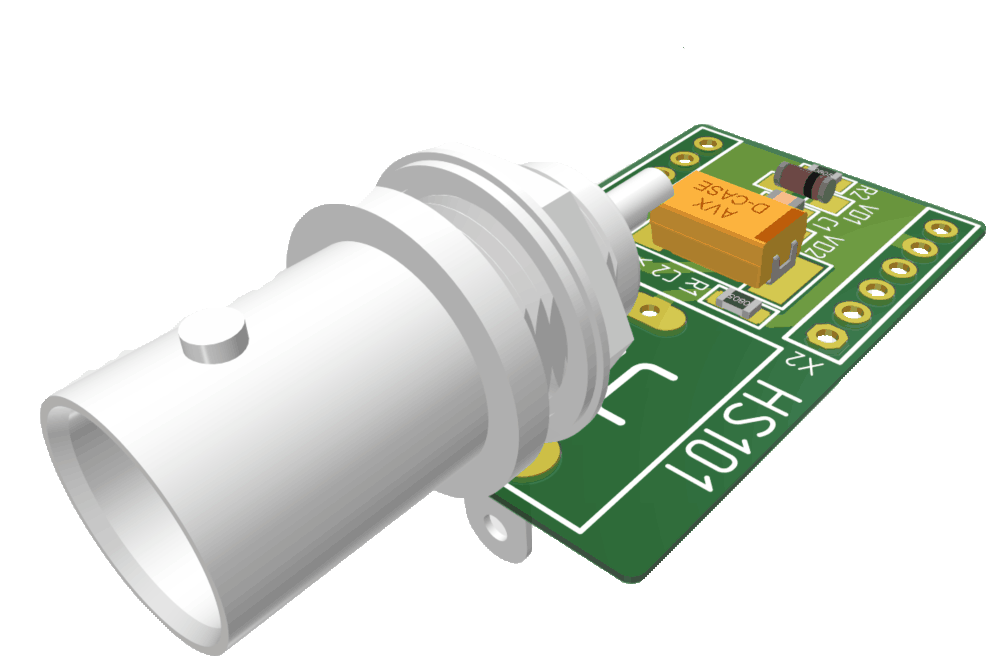
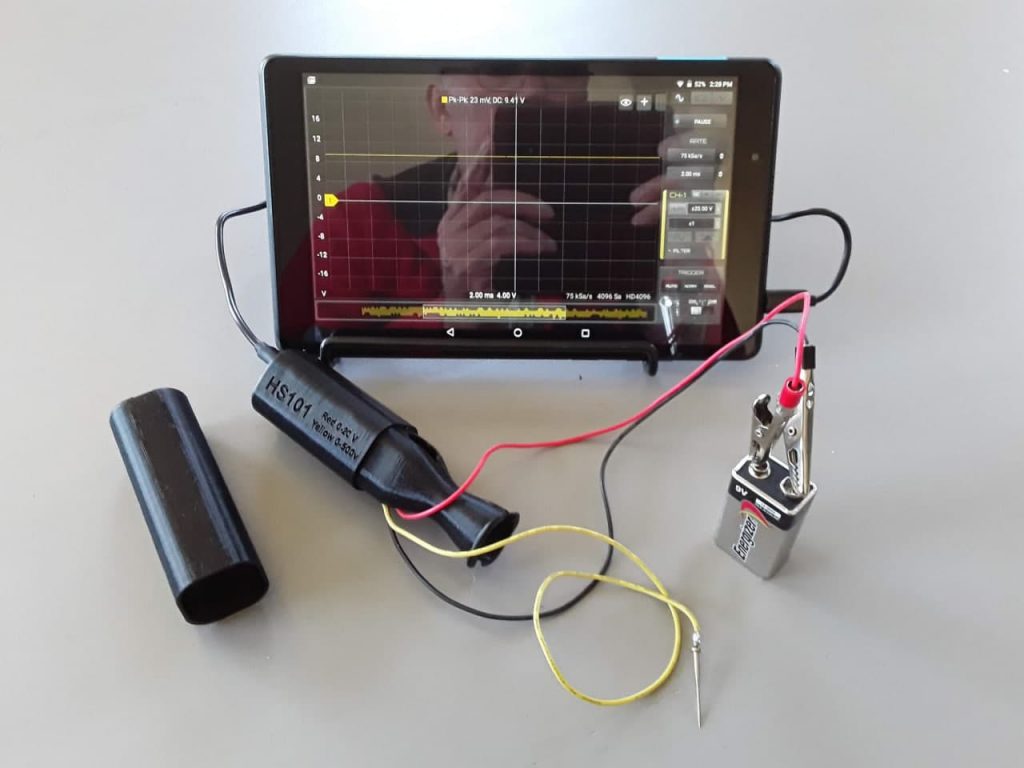
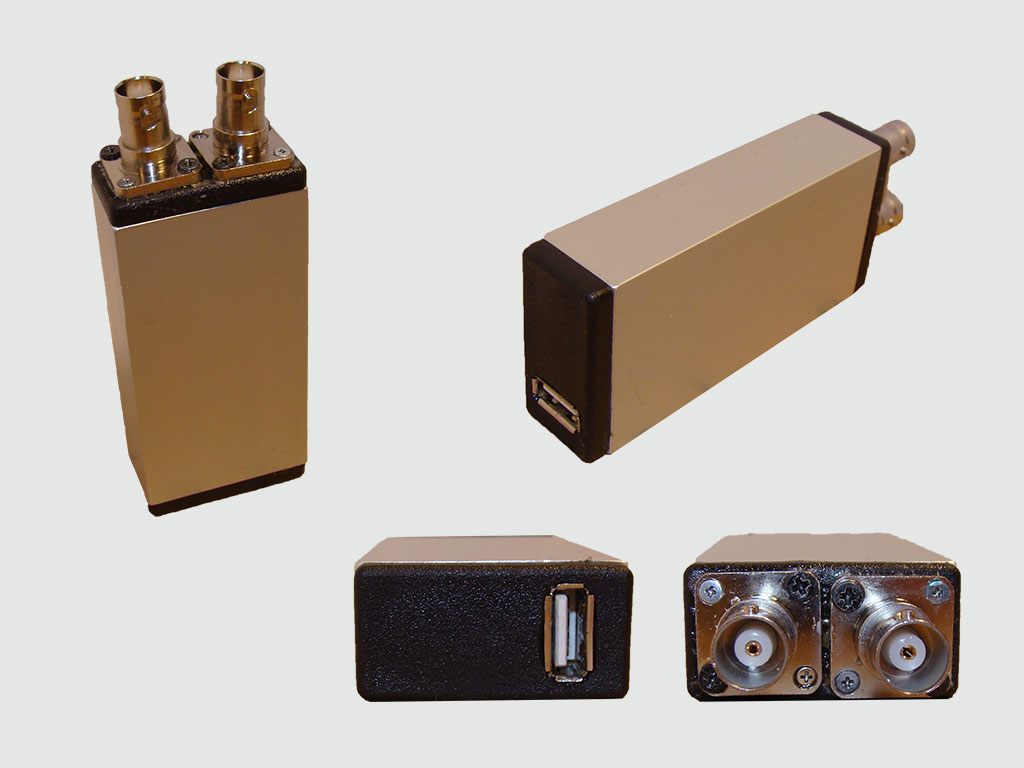
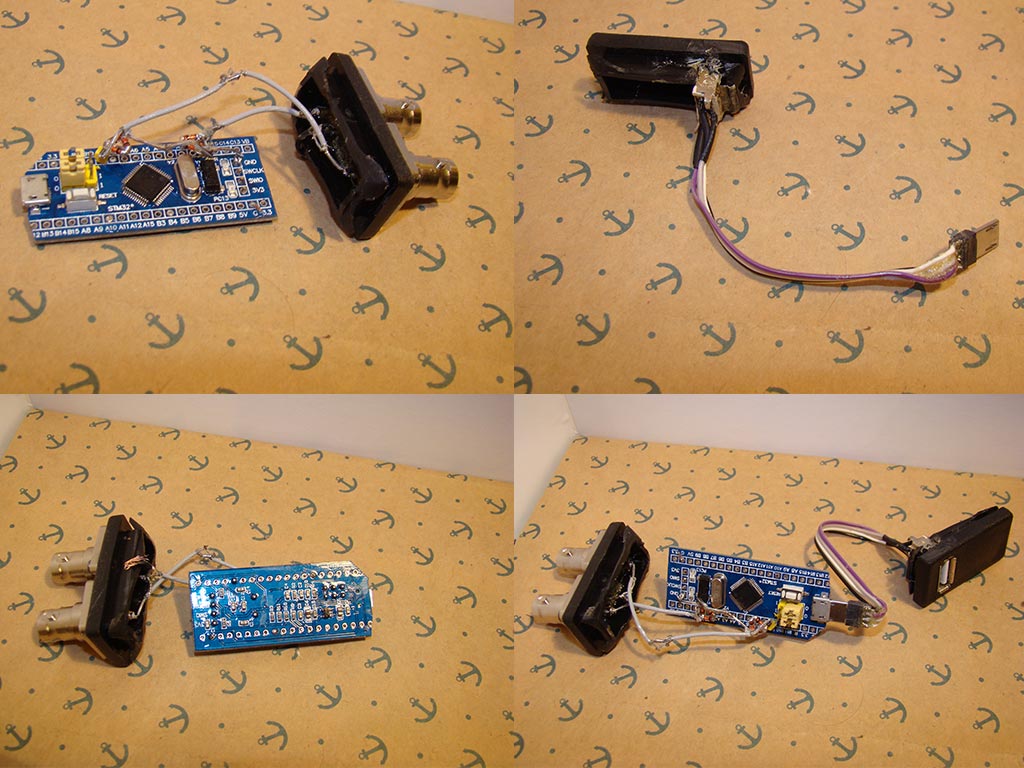
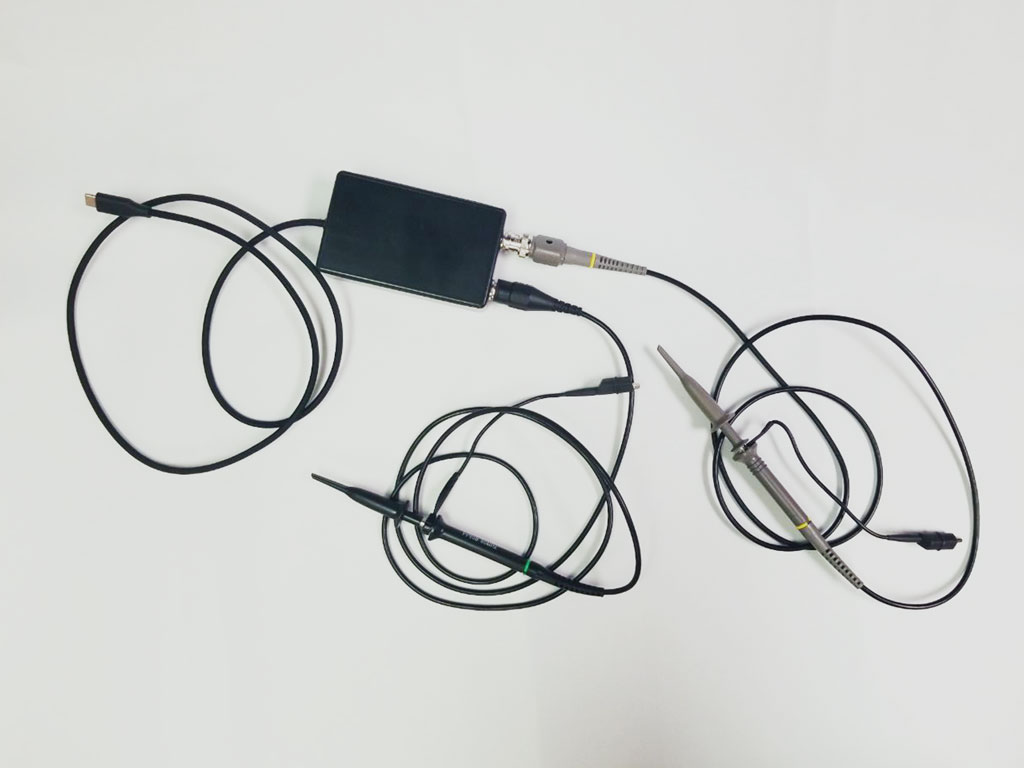
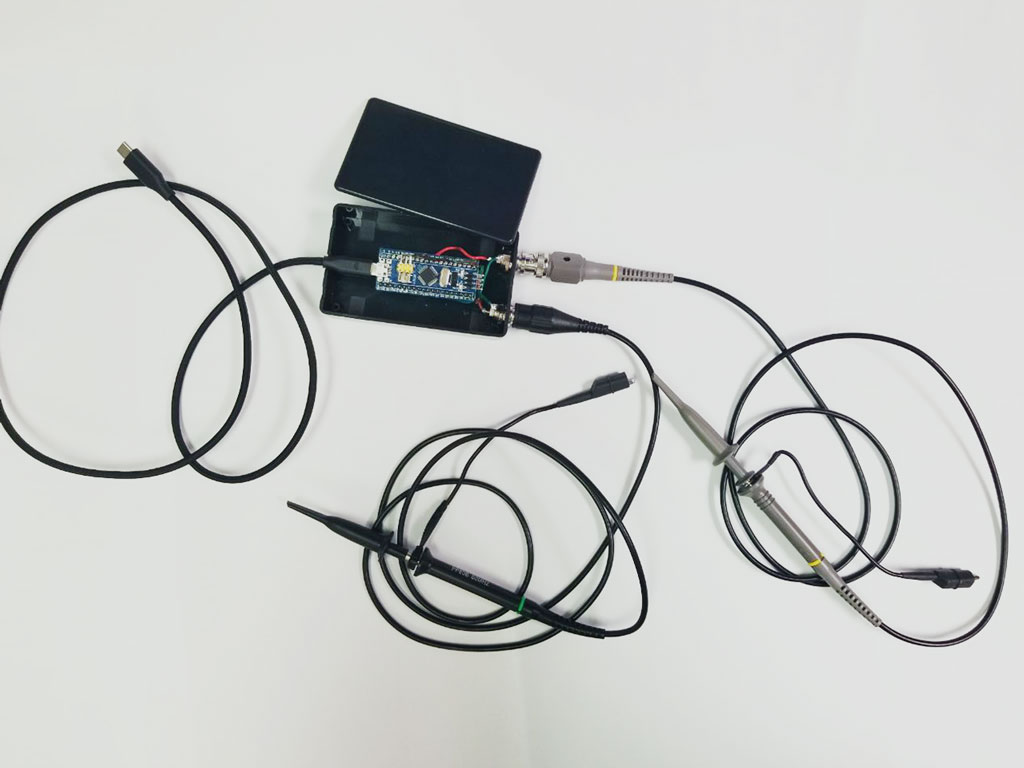
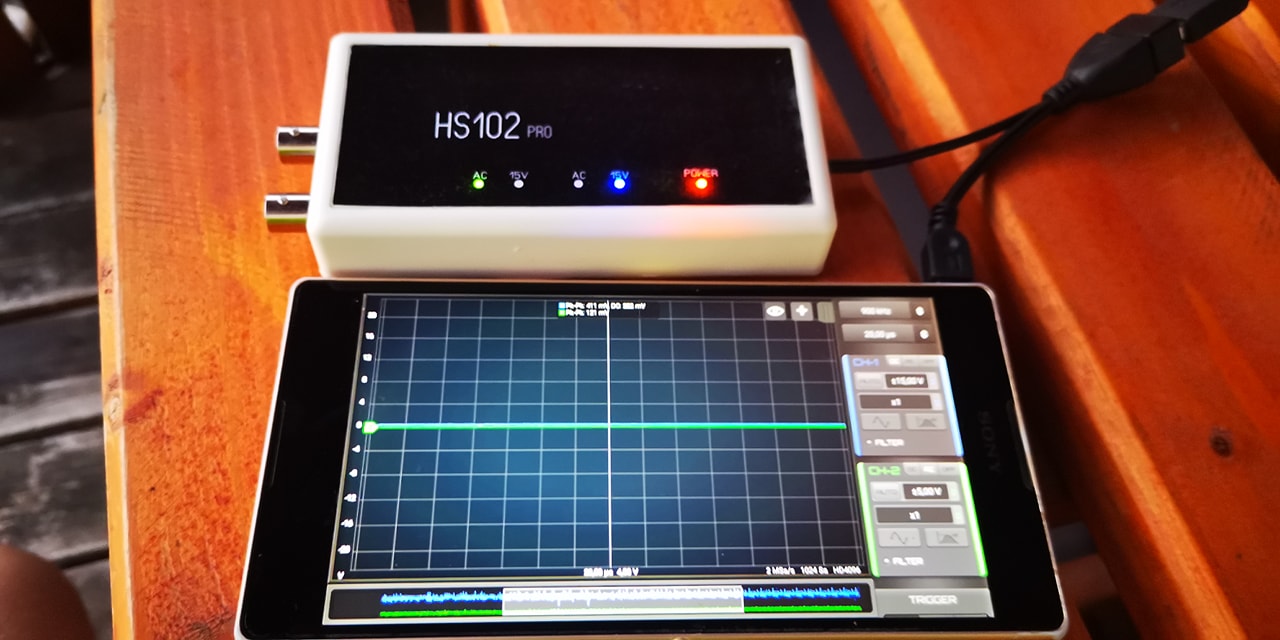
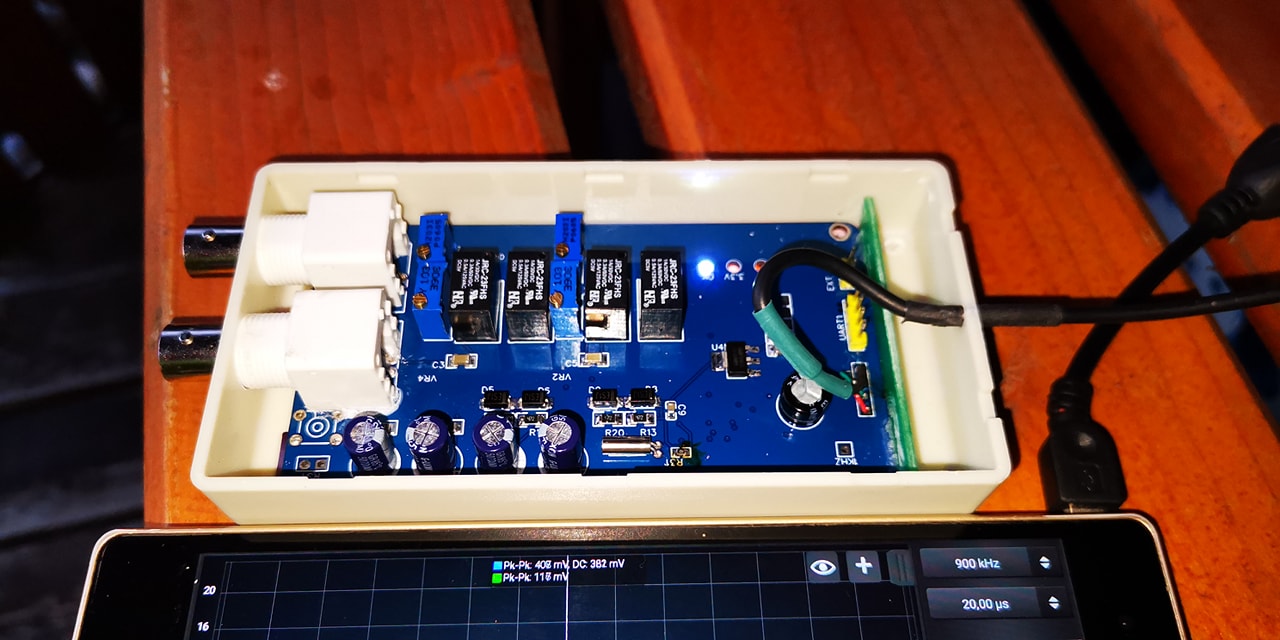
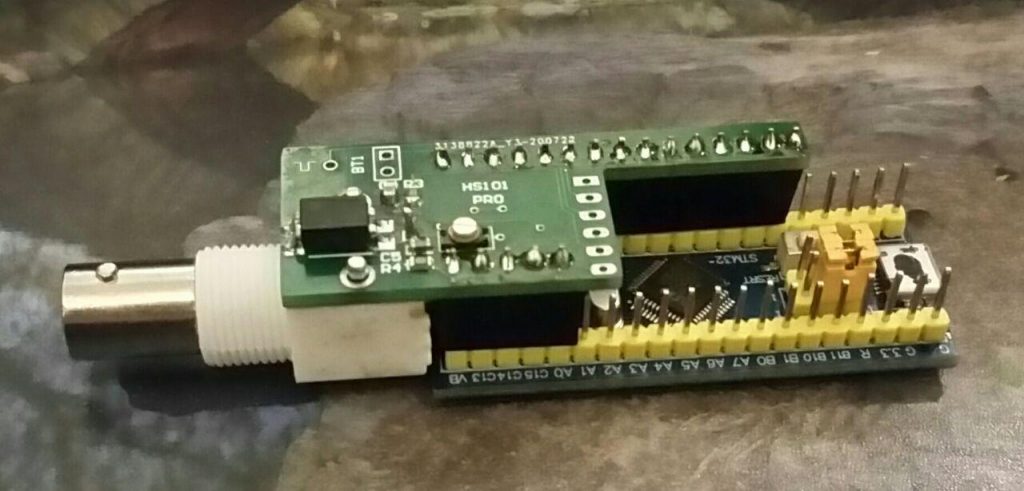
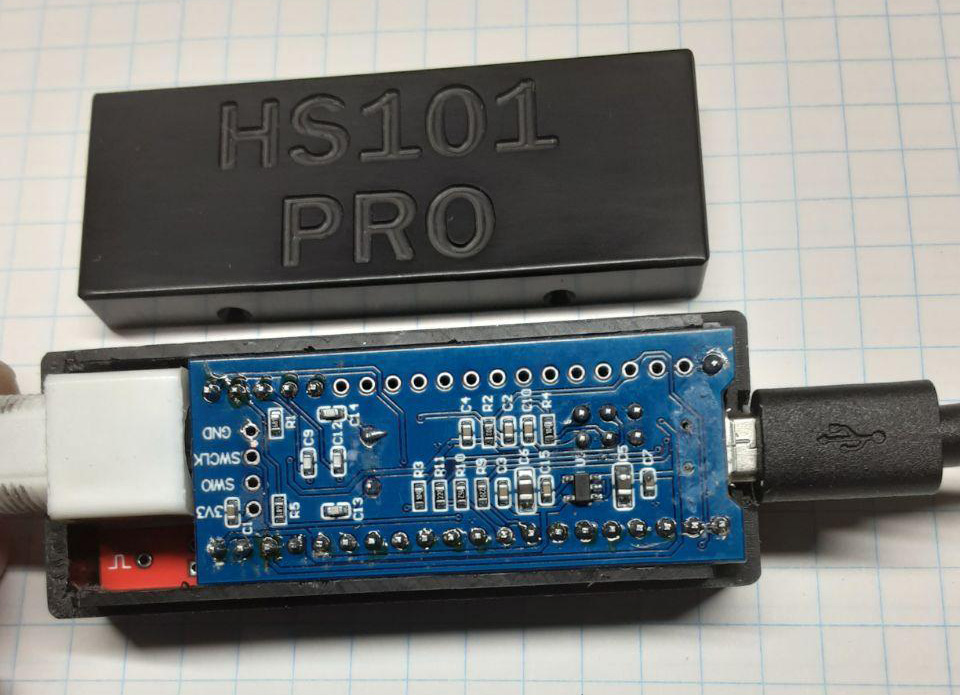
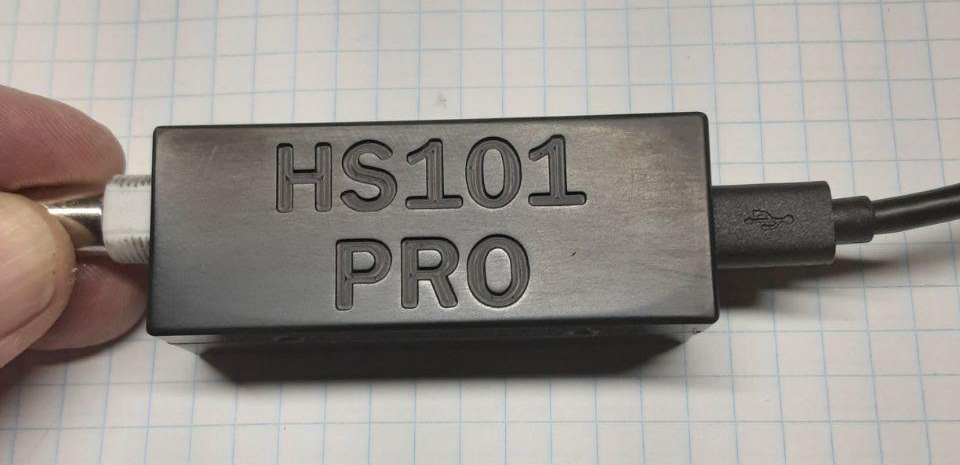
HS101-PRO is an upgrated version of the HS101 Oscilloscope that joins the portability of an Android oscilloscope with advanced hardware features. The build require some experience with SMT mounting so approachable just from part of the DIY community. Within its specs, all the standard oscilloscope applications are possible with this device.

Power consumption is also one of the lowest in the market (~40mA). It can be used only with HScope app for Android.

HScope is in continuous development thanks to the suggestions from the users and the contributions of the supporters, and aim to become one of the best affordable high-tech diagnostic tool. 

Consider to support HS10X project with a donation!

please indicate in the notes the purpose of donation

Intro

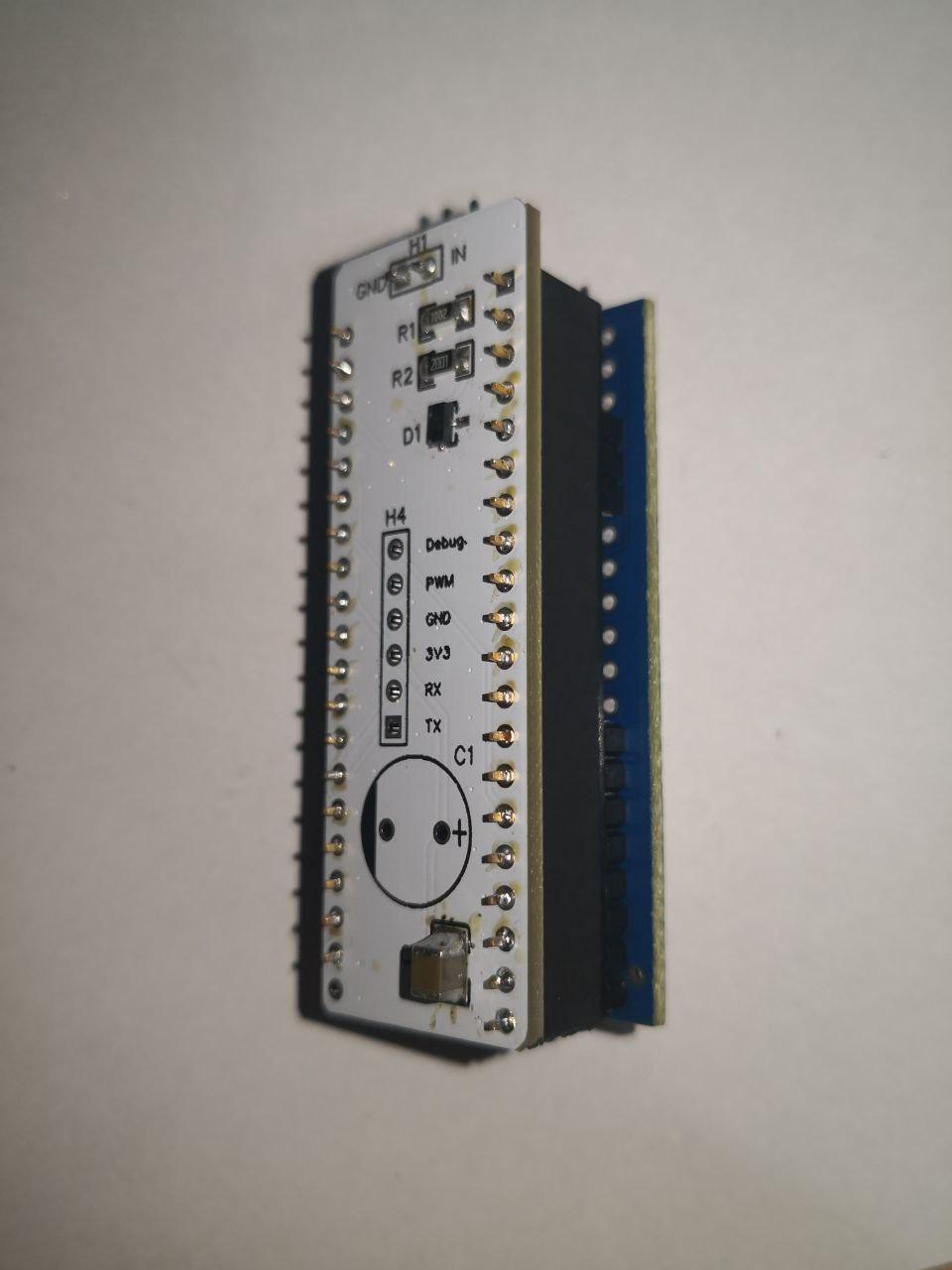
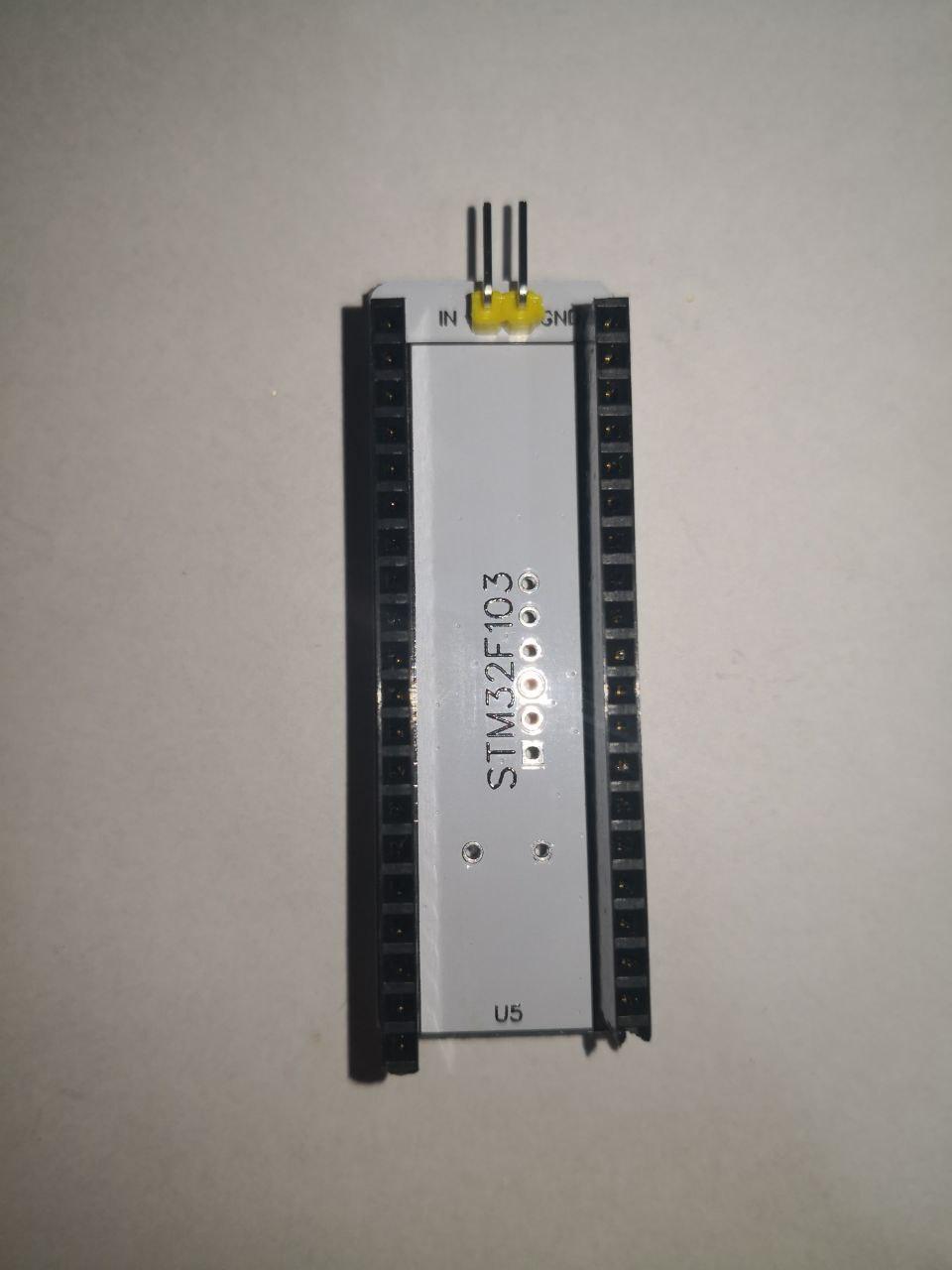
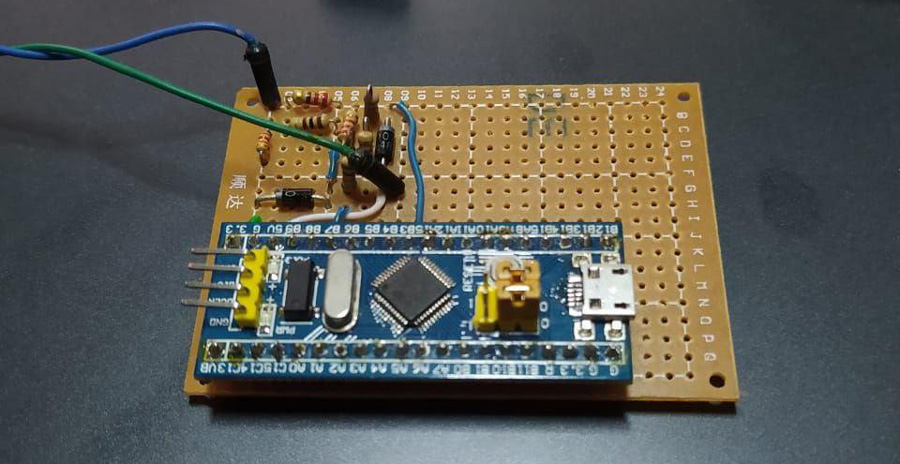
A Single Channel oscilloscope based on STM32F103 Blue Pill development board. It provide long memory buffer and high real-time transfer speed.

Technical Specifications

Channels1
Input Range±16V, ±8V, ±4V, ±1.6V, ±500mV
Sampling Rate2 KSa/s – 2,5 MSa/s
ADC Resolutionup to 12 Bits (effective without noise: 9 bit, 10bit @ 100KSa/s, 11bit @ 75KSa/s, 12bit @ 12KSa/s)
Input Noise< 60mV (<= 15mV for Sampling Rate <= 100KSa/s)
<=20mV with the Black Pill (<=10mV for Sampling Rate <= 100KSa/s)
Bandwidth600 KHz (max visible frequency with sinc interpolation @ 2.5MSa/s)
Input Impedance1 Mohm (1.010 kOhm)
HW Options Supported– AC/DC Coupling Module
– PWM Output Generator
Modules Supported in HScopeAutomotive Module up to 100 KSa/s
Audio Module
PWM Generator: supported up to 1 MHz, duty cycle 1-99%
OS VersionAndroid 4.4+

Schematics & Built


Flash the Firmware

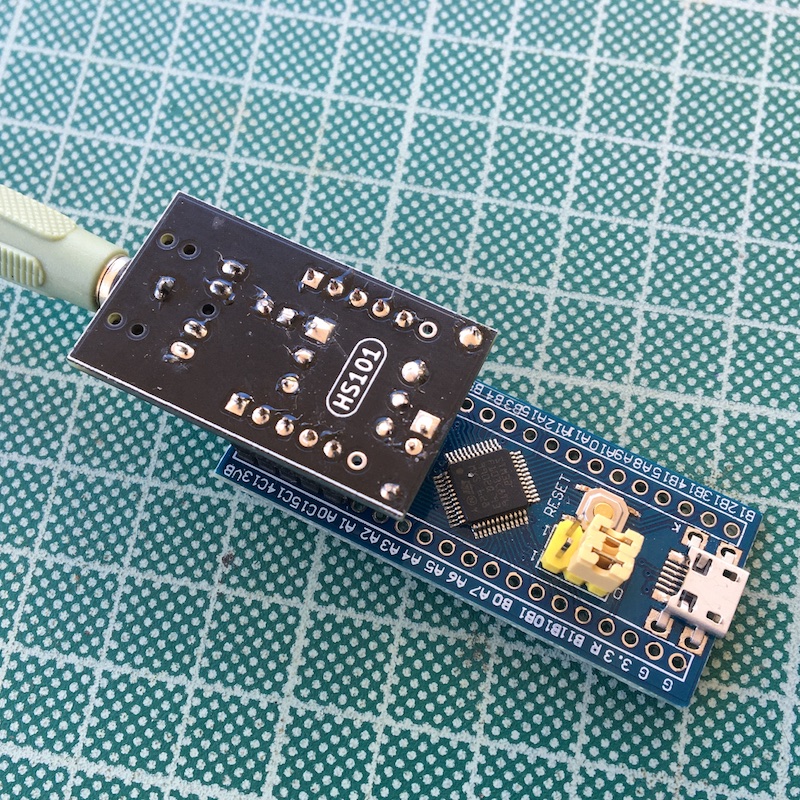
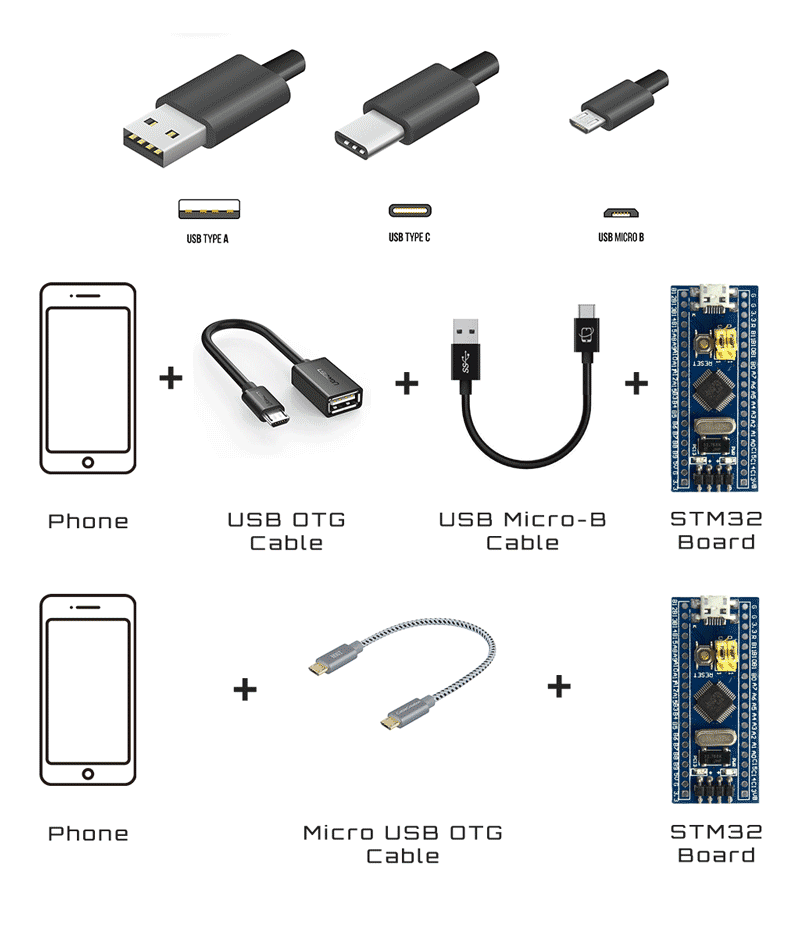
The firmware flashing is made with the app STM32 Utils with an OTG adapter connected to the phone and an USB-TLL adapter connected to the OTG adapter. After connecting the phone to the STM32 Black Pill board like in picture, the red led light up.
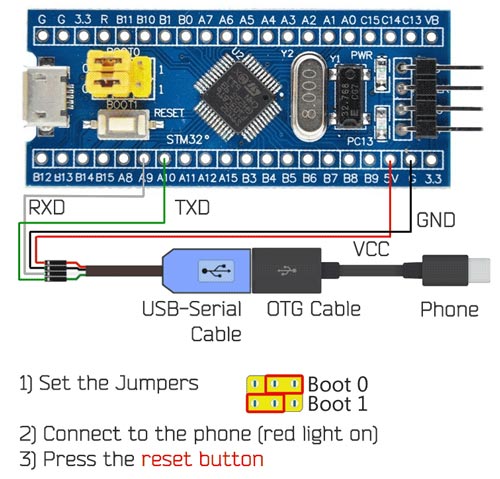
By setting the jumpers on the Blue Pill as in picture, the board enter into the STM boot loader and it is ready to be flashed. On the App:
1) Go to Init Chipset and check that the app read the chipset
2) Go to the Blue Box icon and in the list under vendor Martinloren select HS10X Oscilloscope, then FLASH FW.
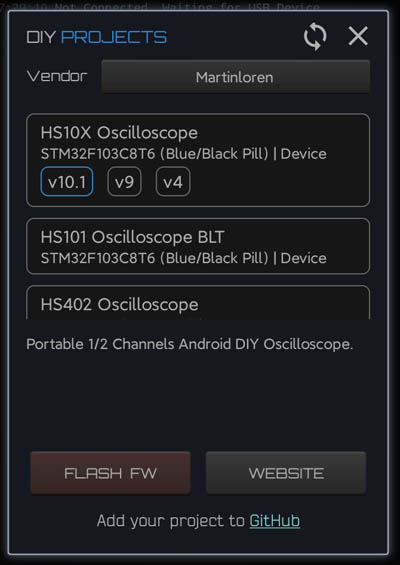
3) After flashing disconnect the USB-TTL cable from the STM32 board, put the jumpers in original position (see picture) and connect the STM32 to the phone through the OTG cable. Open HScope, the app should show you the signal from Channel 1.

Connection
First Setup / Calibration

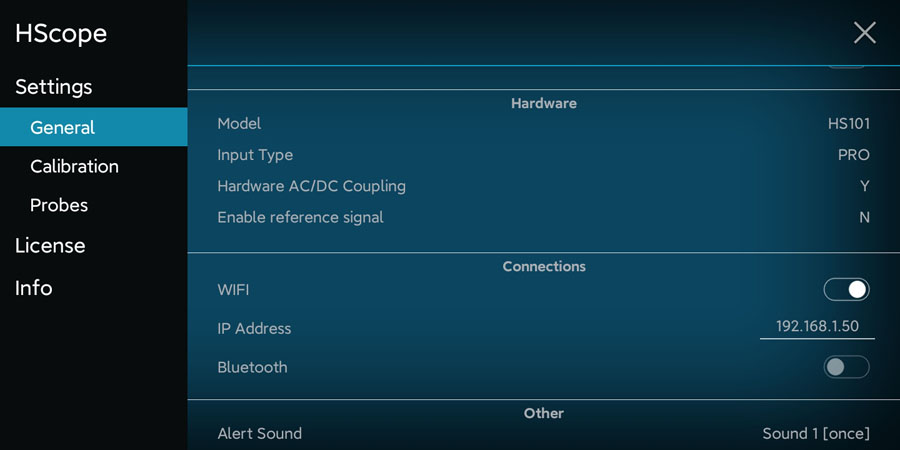
When the oscilloscope is connected go in HScope Settings, General - Hardware. Here:

  • Set the Model to HS101 and Input Type to PRO. When you do this change also the option Hardware AC/DC Coupling will be enabled automatically.
  • Disconnect and reconnect the oscilloscope to get the new configurations.
Offset Calibration

  • (required just for Hardware Option 1) Connect Channel 1 probe to its GND.
  • For Channel 1 do the Calib Zero Lvl procedure in the Settings -> Calibration.

Frequency Calibration

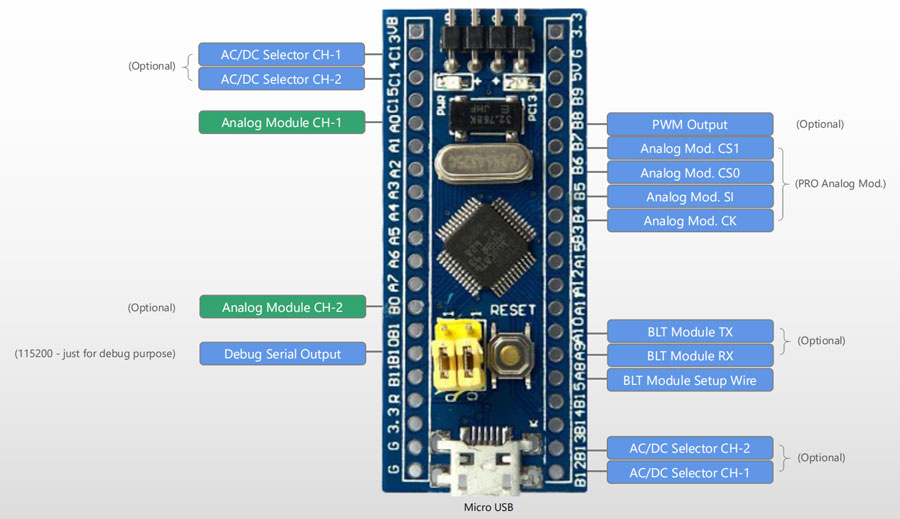
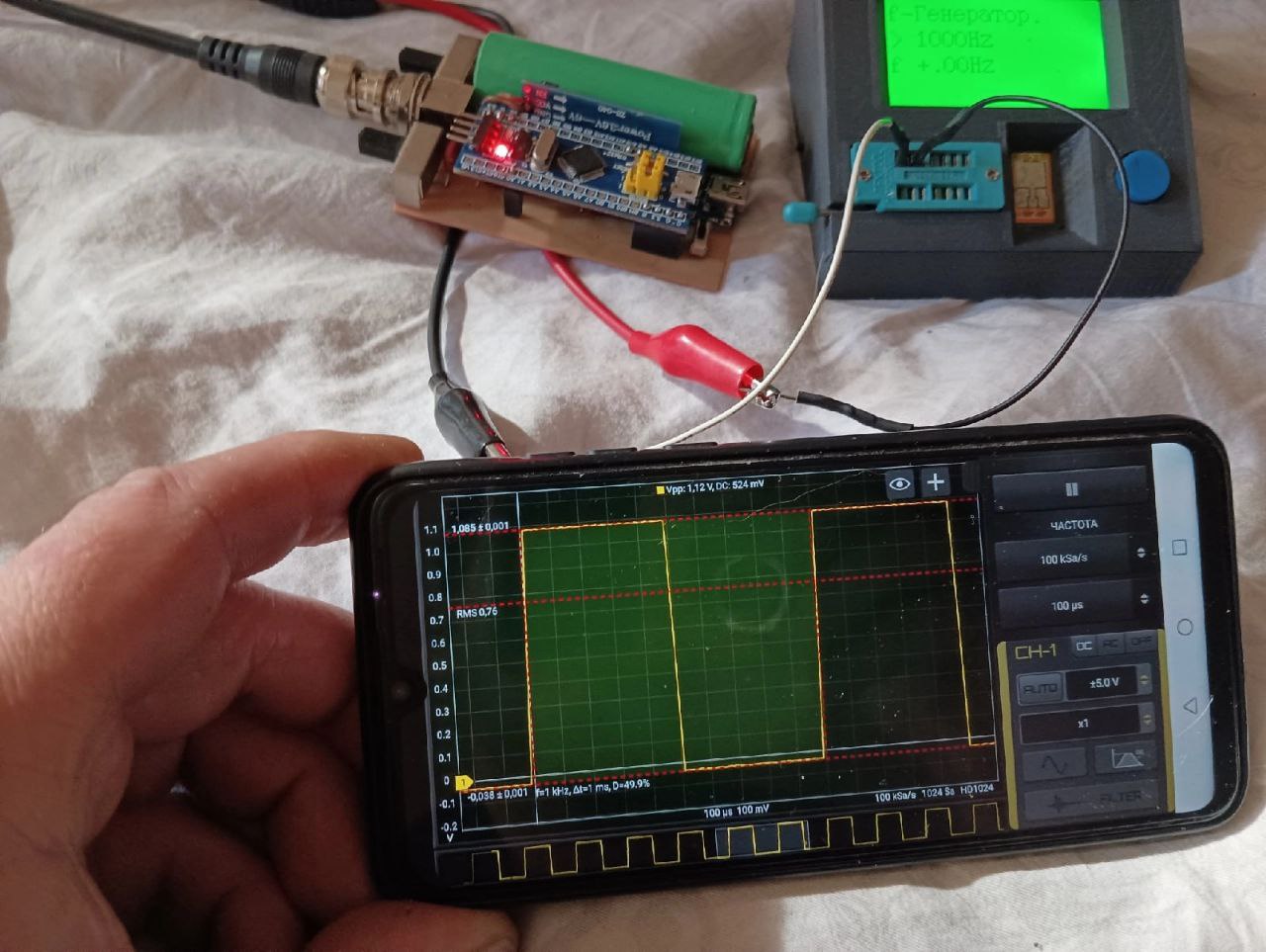
  • Enable the PWM signal using the PWM module (red square icon in the right menu, then open the module). HS101 will generate a square wave on pin B8 (1kHz initially).
  • Connect the probe to pin B8. Use an high rate, i.e. 450KSa/s and turn the variable capacitor until the rising part of the square wave reproduce a good square. Do this for each channel.
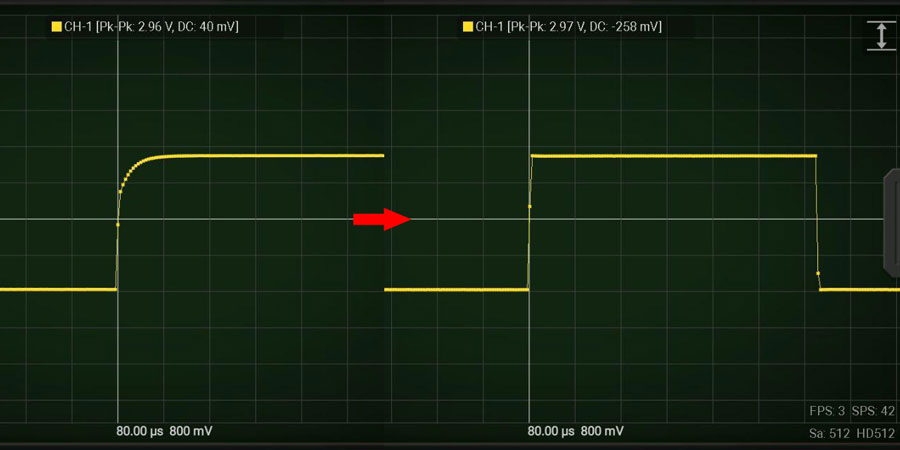
Now the device is calibrated in frequency response.

Multiplier Calibration

For this calibration you need an accurate voltage source, for example 3.3V or 5V from a voltage stabilizer. 5V from USB port is not accurate and should never be used for this calibration. Batteries also should not be used. At least you can use LM7805 or this kind of linear voltage regulators.

  • For each channel do the Calib Multiplier procedure in the Settings -> Calibration.

HW Debugging

Here the tests you can perform in case of issues:

  • Check that PGND is approximately around 1.65V respect GND. A0 pin (analog input) also should be at the same voltage with no input signal is applied.
  • With a multimeter check that there are no shortcuts among the pins B4, B5, B6, B7 (these are connected to the PGA (U1) which are very small and are easy to get shortcuts between the pins).
  • To check that the AC/DC coupling works just apply a battery to the input. When DC is selected you should read the voltage of the battery, when AC is selected you should read 0V.

Additional Resources

Components info (by Denis)

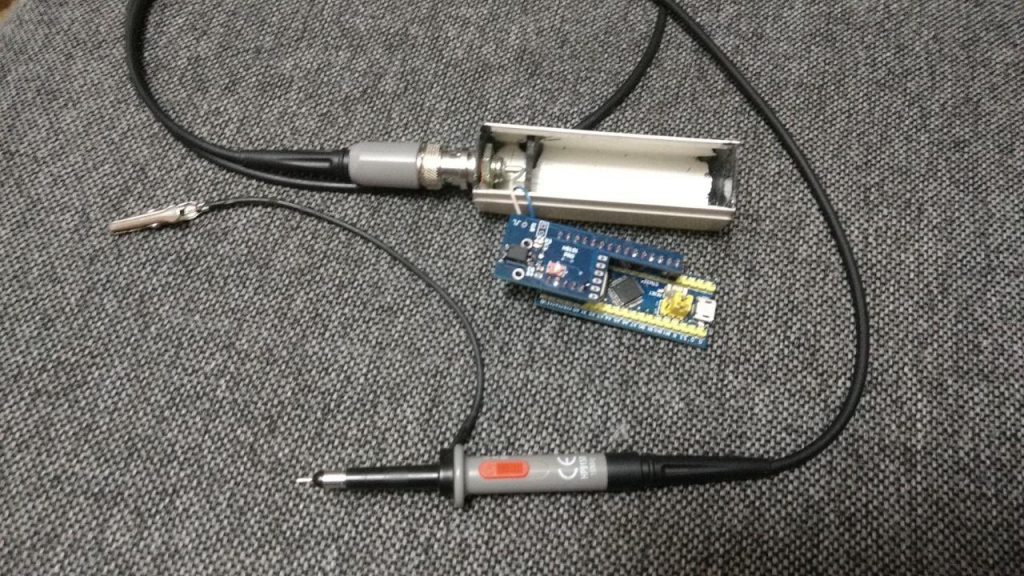
Bluetooth COP Probe with HS101 PRO (by Denis)

First Release: May 2018
Last Update: Dec 2020
HS101 Bluetooth – Debugging

HS101 Bluetooth – Debugging

I hope you did not have to read this content. It means something went wrong. Be armed with patience and good luck! 🙂

Deep Insight the Bluetooth Modules

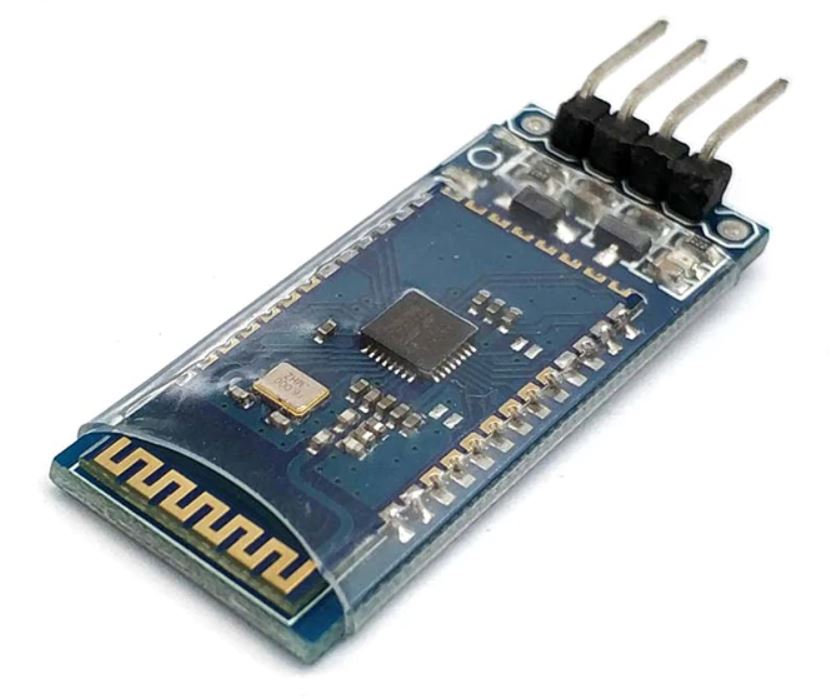
Major issue of this project is in the HC-05 or HC-06 module sourcing. The market is full of different PCB versions with different firmware versions, working with different commands and with different specifications.

Due to high variety of HC-05 and HC-06 BTL modules in the market, we strongly suggest to purchase it here to have a working hardware already configured for HS101 BLT Oscilloscope.

Wrong Bluetooth Modules

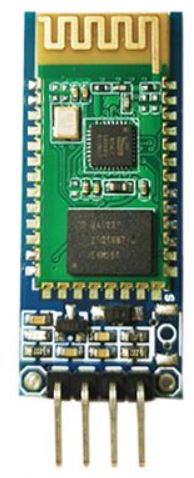
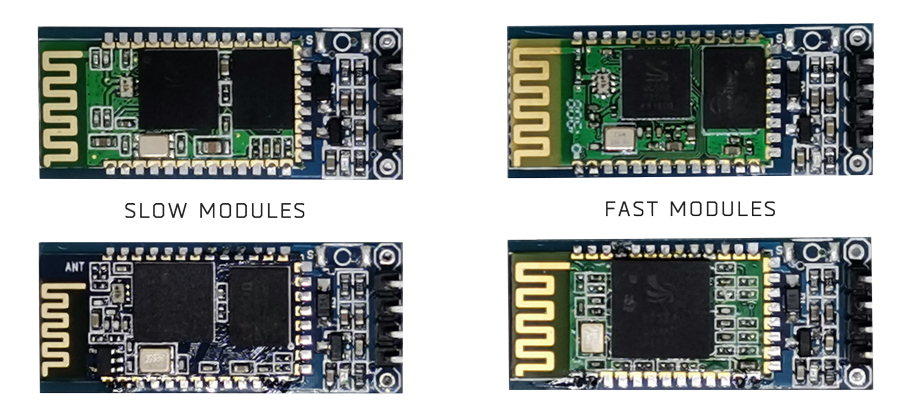
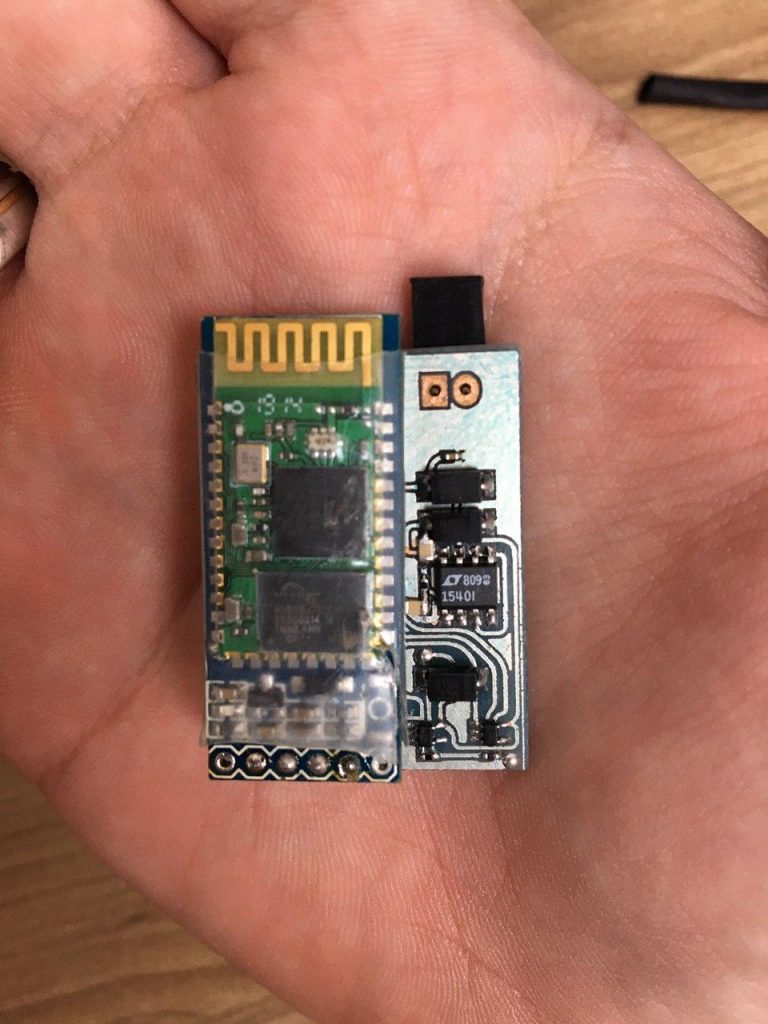
Following are the modules that are not good for this project since max speed is limited to 115200. You may know that are wrong modules because they use a small chip compared to the fast ones (see pictures below).

HC-06 Bluetooth Modules

Are those usually with 4 pins and no button. They may install the firmware with HC-06 protocol and the firmware with HC-05 protocol. In the second case you have a very fast module (it can send data up to 20-25fps in HScope).

HS101 Bluetooth Firmware in the STM32 allow the setup procedure to work with both HC-06 and HC-05 protocols.

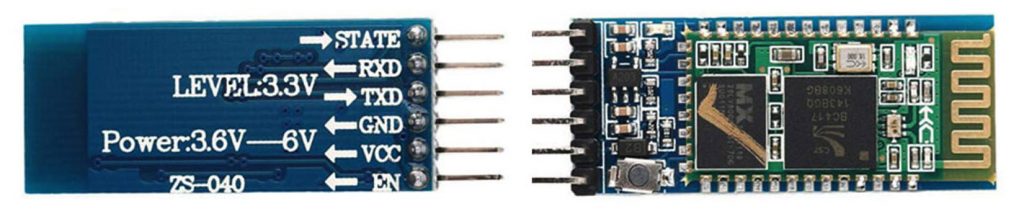
HC-05 Bluetooth Module

Since Firmware v.10.1 you can configure the HC-05 module with the Wire Setup procedure but before powering on the STM32 and HC-05 you must keep pressed the button on the HC-05 (this will allow the module to enter in AT mode).

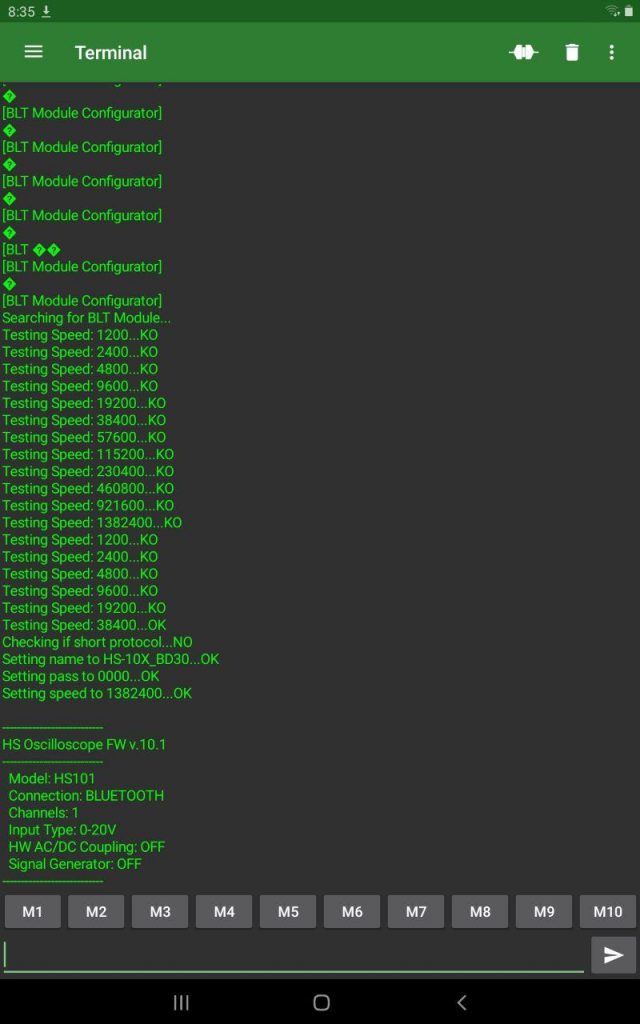
You can see the result on the Debug serial port (pin PB10 of STM32, baud rate: 115200).

If the automatic configuration doesn’t work here is the manual procedure.

  • Enter AT mode by pressing the button on HC-05 and then power the module
  • Connect an USB-TTL cable to it to communicate, set the serial terminal to 38400 baud
  • Send these AT commands (these are firmware depending, consider as reference):
  • AT+NAME=HS-10X_ABCD (ABCD can be arbitrary)
  • AT+PSWD=”0000″
  • AT+UART=1382400,0,0
  • Connect the HC05 to the STM32

Possible issues

It has been reported that some module cannot communicate at 1.3Mbaud. Some modules won’t allow configuration of serial port to 1382400 baud, other modules just stop to communicate after they get this configuration.

Test 1 – Does the Bluetooth module works?

You have configured the Bluetooth Module to work at 1.3Mbaud. Now shortcut RXD and TXD of the HC-06 Module and with this app (Serial Bluetooth Terminal) check if the commands you send echoes back.

However you still don’t know if the serial port is communicating at 1.3Mbaud or less (when you configured the serial speed it is possible that the AT command reply OK but actually the module did not apply the requested speed)

Test 2 – Does it communicate with STM32?

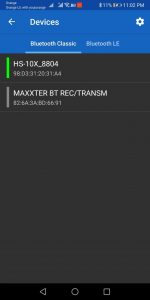
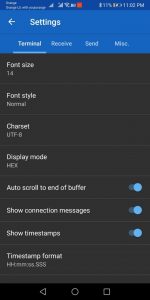
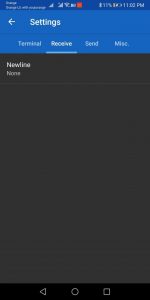
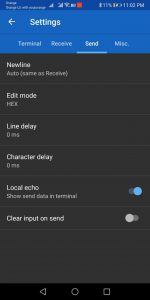
Connect the Bluetooth Module to the STM32, then use the app Serial Bluetooth Terminal to talk directly to the Bluetooth Module. Following are the configurations for this app.

  • Select the Bluetooth module
  • Settings -> Terminal: set to HEX
  • Settings -> Send: set to HEX

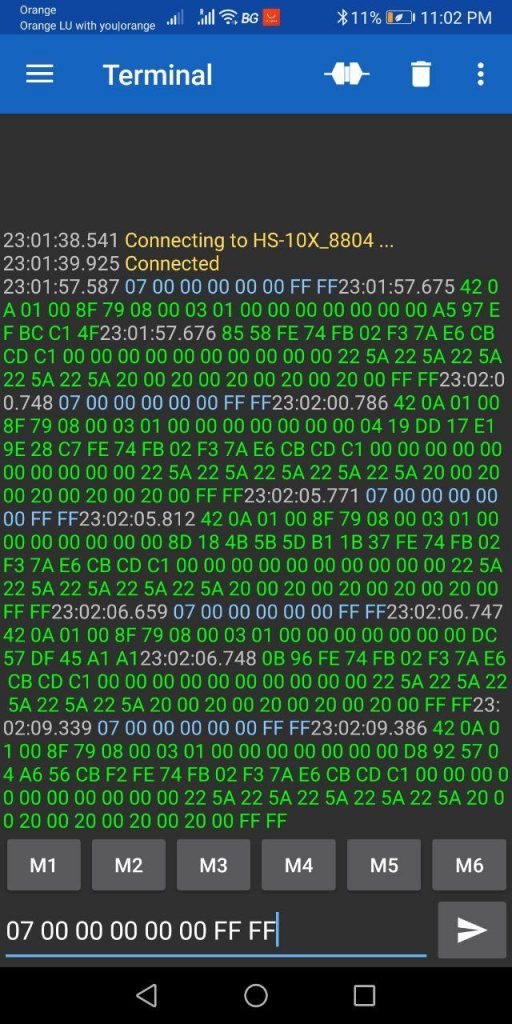
Sent the following HEX string to the Bluetooth Module: 07 00 00 00 00 00 FF FF. If the Bluetooth Module can communicate with the STM at 1.3Mbaud then you should receive a reply:

Phones with issue

Has been reported that with some phone Hscope cannot see the Bluetooth module. Here the list of phones with issues:

  • Xiaomi Mi9SE (Android 10)
  • Huawei Mate 10 PRO (Android 10)
HS101 Bluetooth

HS101 Bluetooth

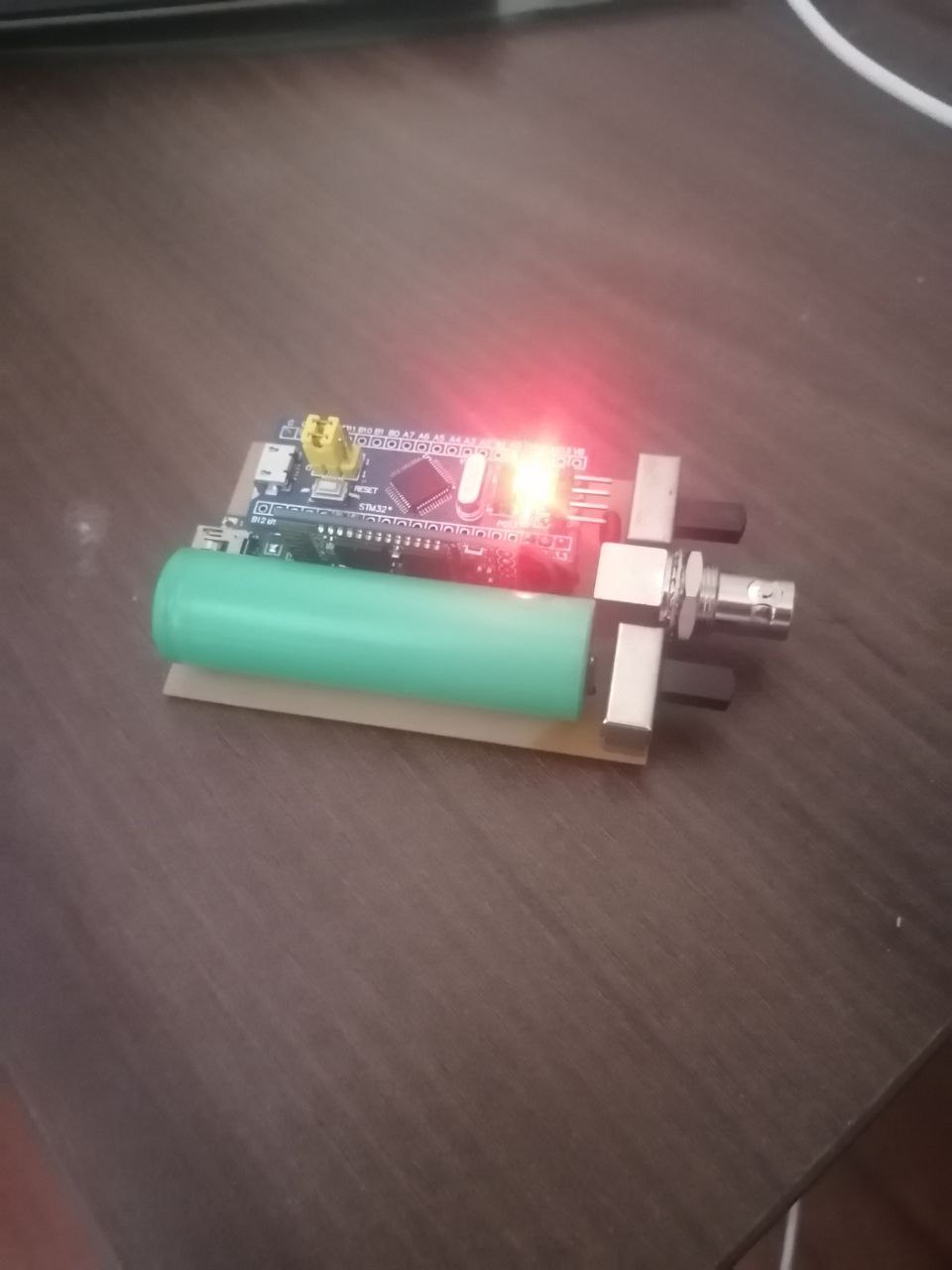
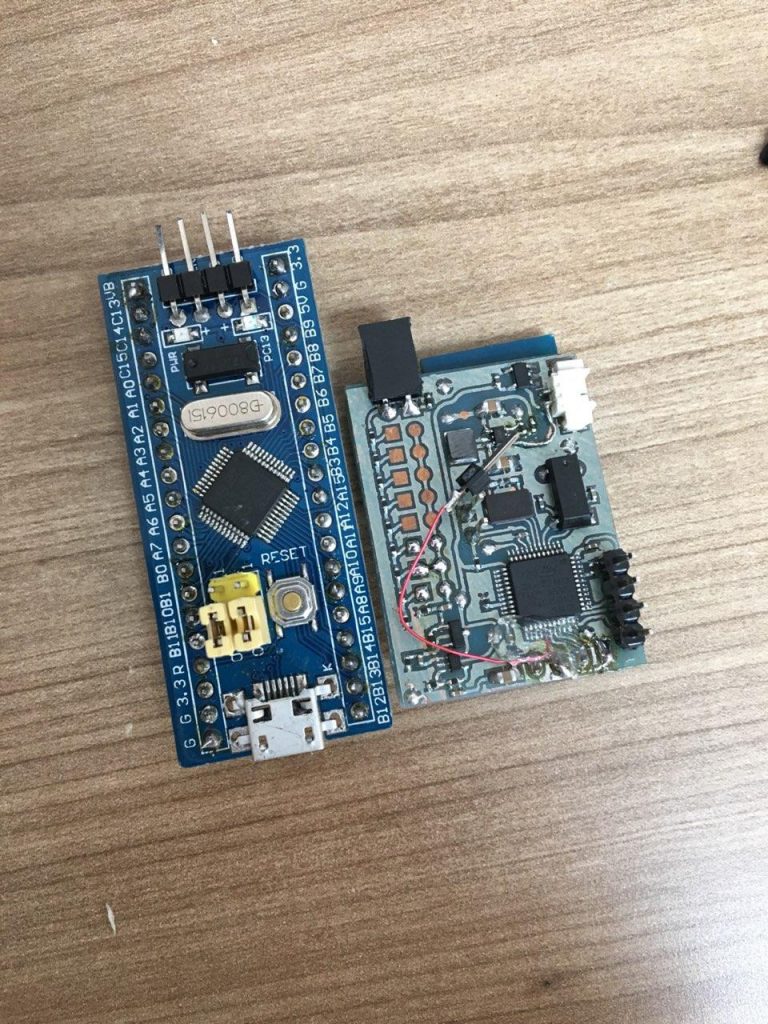
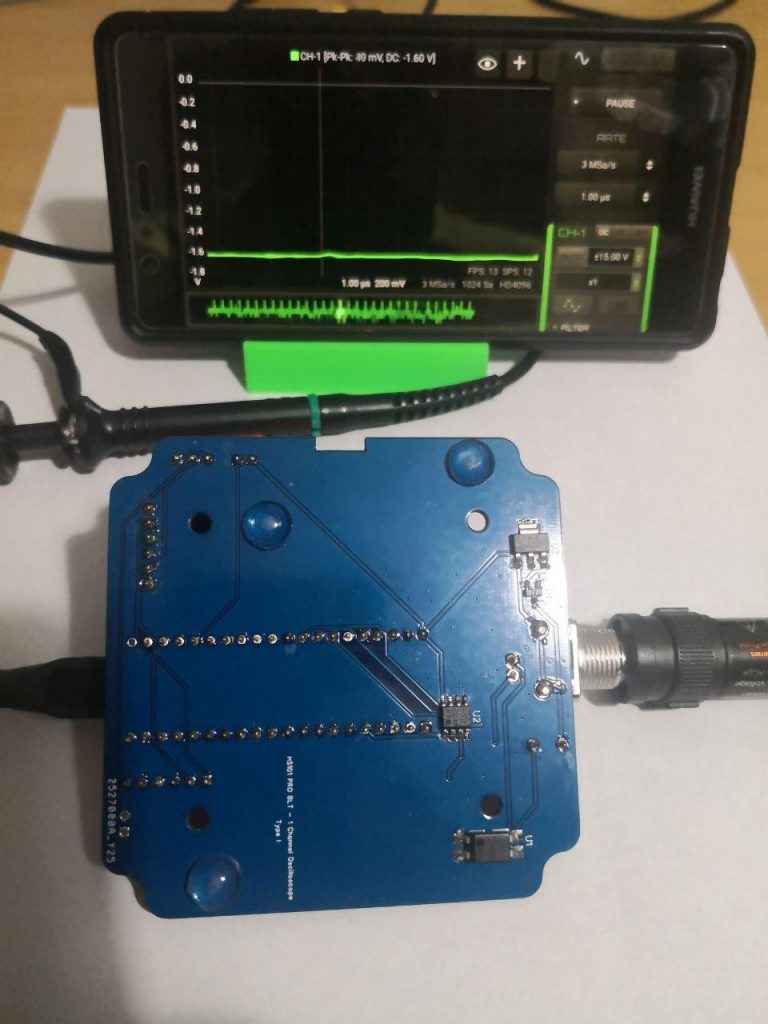
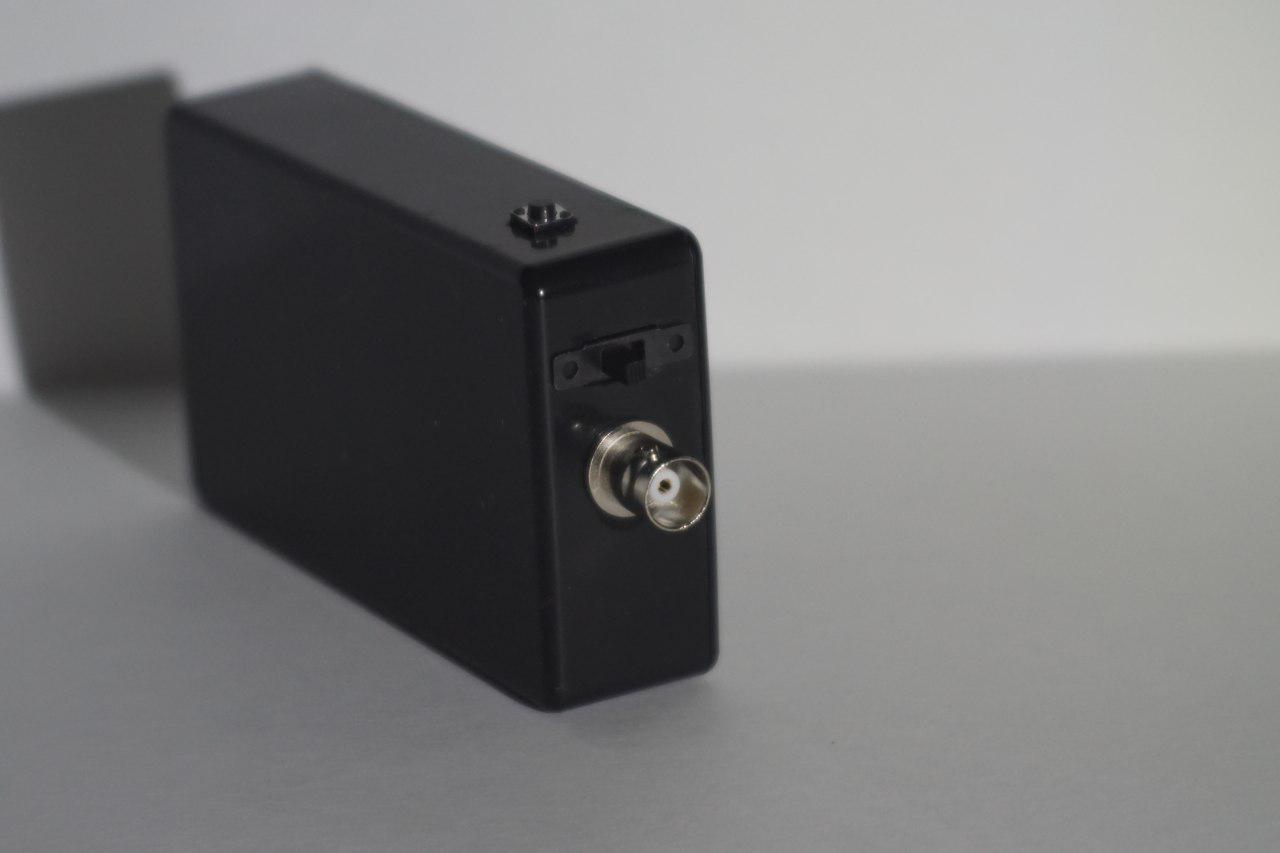
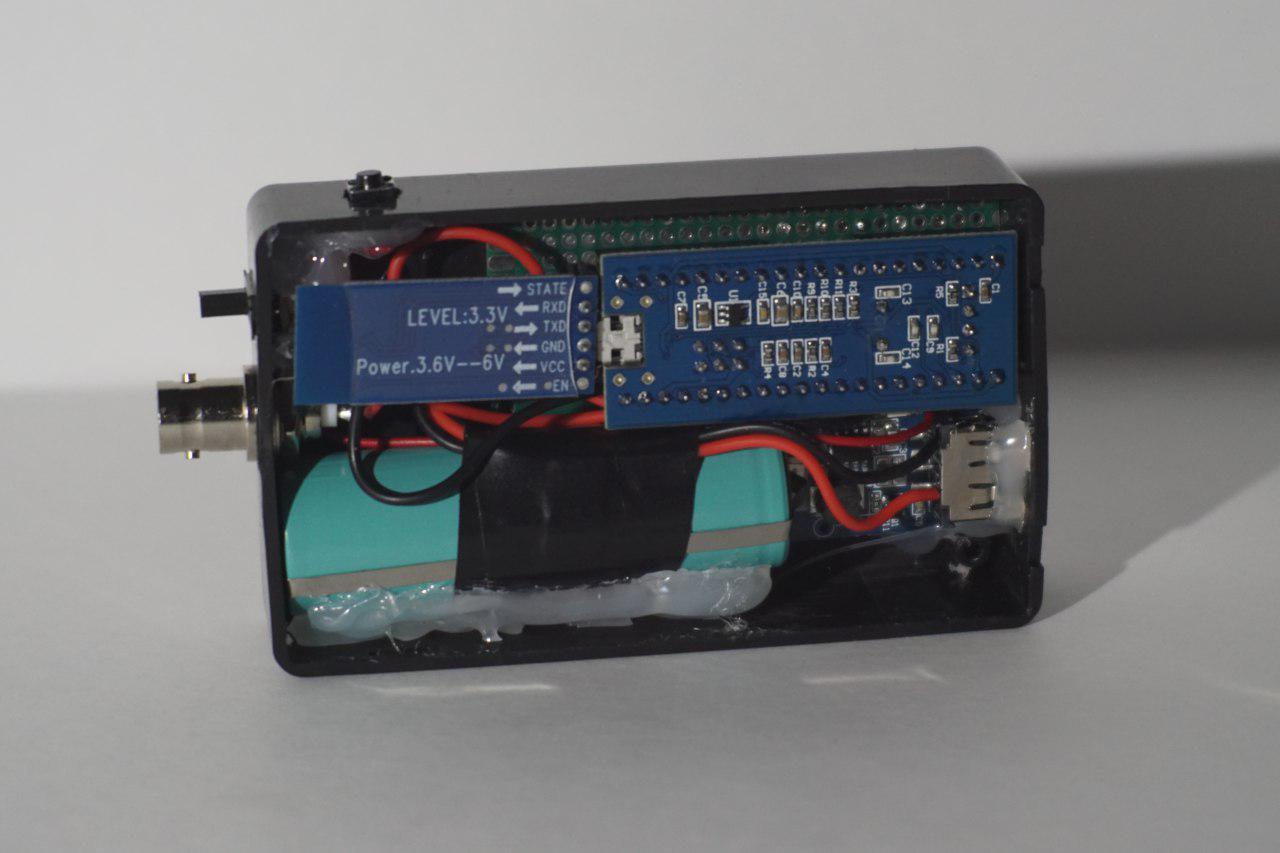
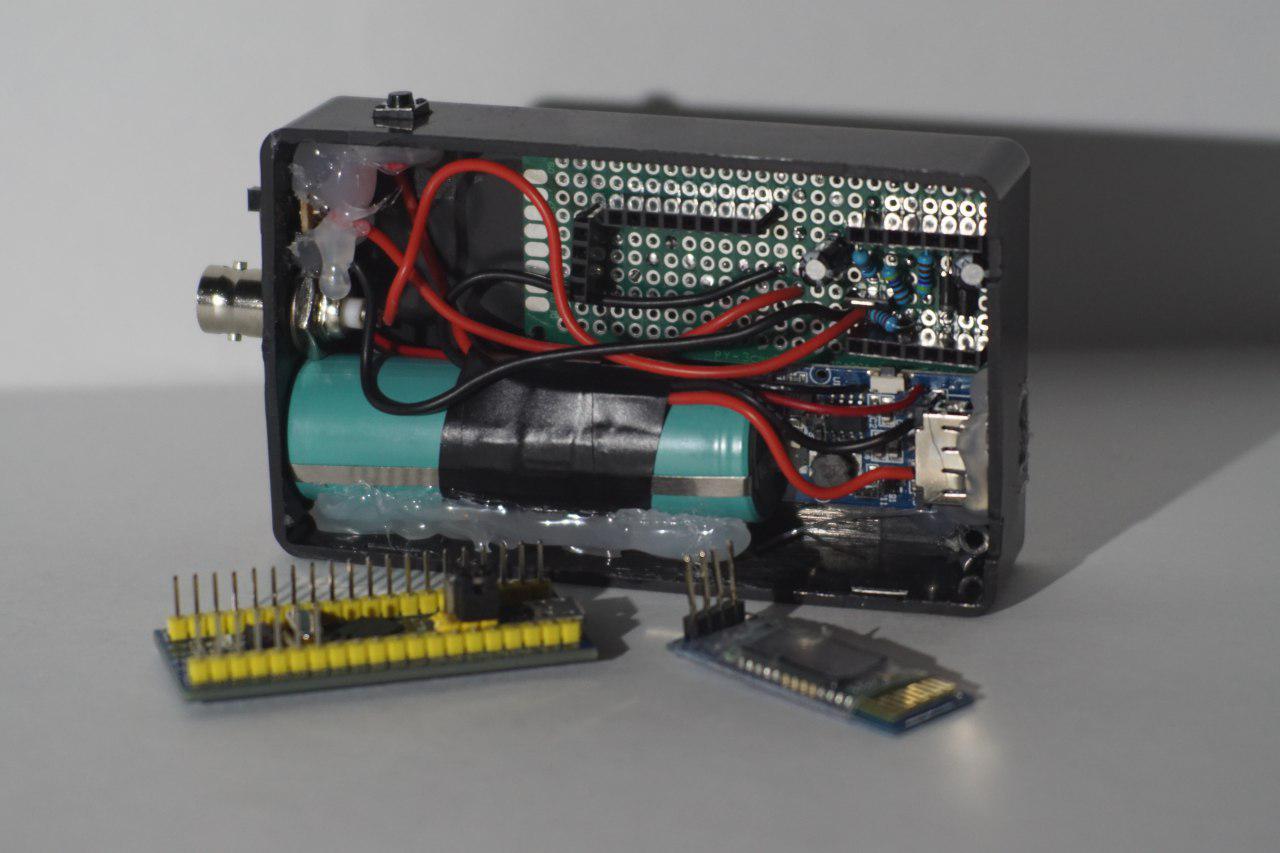
You can build a battery powered, portable 1 Channel oscilloscope with this variant of the HS101 DIY Oscilloscope (based on STM32F103 Blue Pill). It has the lowest noise among the HS101 variants. It can be implemented with several input ranges and uses HScope Android app.

This project is difficult to build due to the different HC-06 Bluetooth modules sold in the market. Under you can find the link where to buy a Bluetooth Module suiteable and already configured for this project.

Warning: Phones should have at least Bluetooth V.4.0 to work at highest speed with HC-06 Bluetooth Module.

Technical Specifications

Channels1
Input Range(according the implemented input stage)
Sampling Rate / Bandwidth(according the implemented input stage)
Input Noise< 0.08% noise @ 900KSa/s (<0.03% @ 100KSa/s, test results with the Black Pill)
Samples1024 (each scan)
Input Impedance(according the implemented input stage, 10kOhm or 1MOhm)
Modules SupportedAutomotive Module @ 10 KSa/s
Working RangeWithout any boxing, the connection has been tested to works at full speed up to 4m distance.

Built

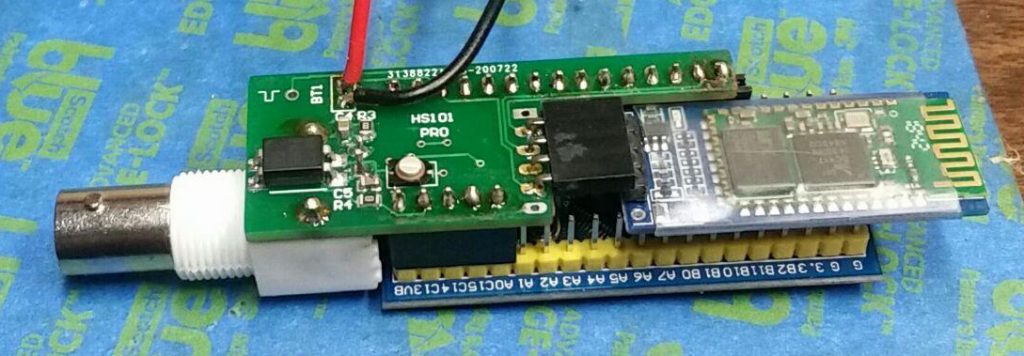
You need just an HC-05 or HC-06 Bluetooth module to transform an HS101 Oscilloscope into Bluetooth oscilloscope.

Due to high variety of HC-05 and HC-06 BTL modules in the market, we strongly suggest to purchase it here to have a correct hardware to make this device.

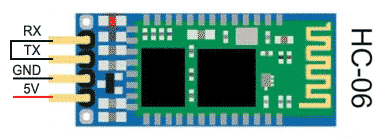
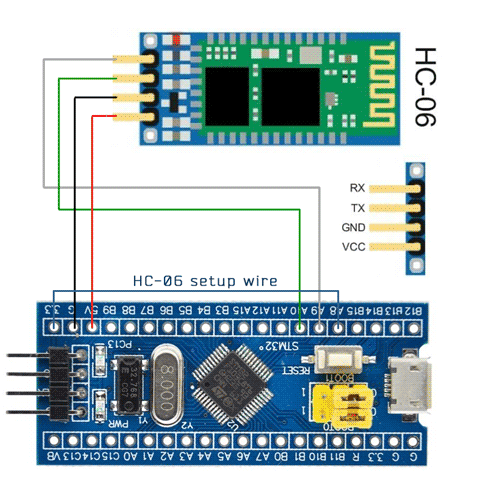
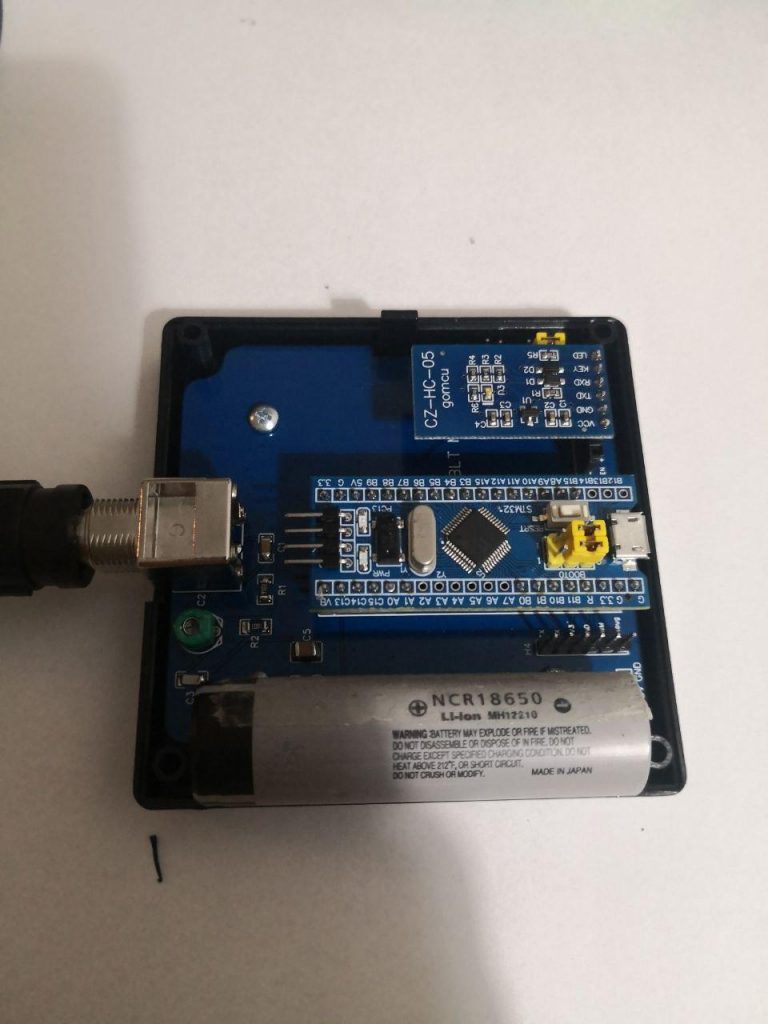
Full schematic of HS101 Bluetooth PRO is available on EasyEDA. Following is the connection for the HC-06 Bluetooth module (for the HC-05 Module connect to B15 instead of A8).

Prepare the STM32F103 Blue Pill

1. Flash the STM32 with the specific Firmware for Bluetooth. Firmware is available on STM32Utils flashing utility.

Configuration of HC-05/06

The HS101 BLT firmware in the STM32 has a procedure to configure the HC-05/06 module at the first time.

  1. First time connect the HC-06 Bluetooth Module as in picture and connect the Setup Wire. If you suspect you have an HC-06 Module connect the setup wire to pin A8. For HC-05 Module connect it to pin B15.
  2. Power on (or press on RESET button). The STM32 green LED (PC13) should blink during the setup phase (it may run for 1 min). If the setup was successful the green LED will flash 1 second for 3 times (see demo video 1 or demo video 2). You can follow the configuration procedure with a serial terminal on the debug port at pin B10 (115200 baud).
  3. Remove the Setup Wire, assemble the analog part and power on. On phone search for the bluetooth devices and pair the device called HS10X-XXXX with password 0000 (first time it may require some time for the phone to show the bluetooth name). Pairing is required just at the first time.

Tests

After the bluetooth has been paired with the phone, just open HScope app, be sure that:

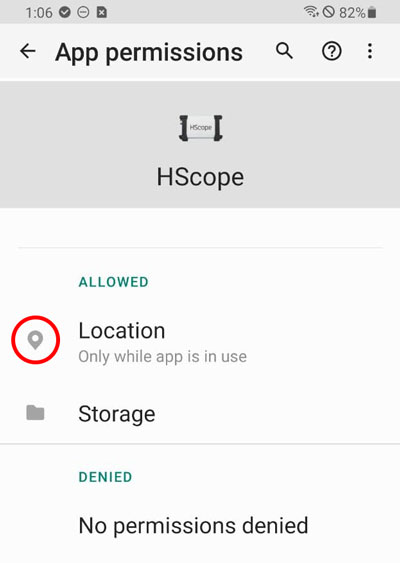
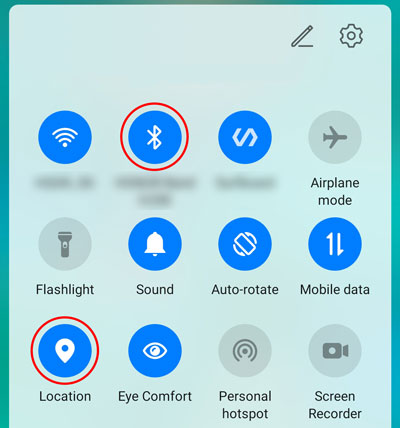
  • The app has localization permission granted
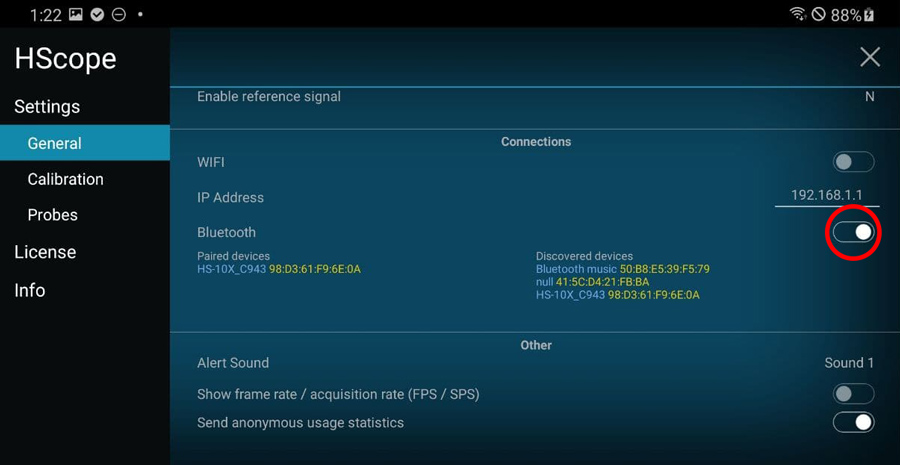
  • Bluetooth and Localization are ENABLED on the device
  • Bluetooth communication is enabled in HScope settings

HScope should detect the bluetooth oscilloscope automatically and start to show the signal.

It is not working!

If something went wrong you may check HERE

Performances

– Refresh rate: 7-12 FPS (20-25 FPS with some Bluetooth Module, see under)
– No. samples each scan: 1024
– Real time continous acquisition: 10KSa/s
Note: Reat time continous acquisition is critical to get with Bluetooth. It has been found that some phone could have issue with Bluetooth fast communication, this create corruption of data. To verify if your device has this issue enable FPS/SPS visualization. It should show always 9-10FPS for rates equal or less than 10KSa/s.

Battery Performances

You can use the HS101 Bluetooth with a standard USB battery pack connected to the micro-USB or you can implement your own power with one 3.7V Lithium battery and a small battery charger with 5V UPS circuit like here.
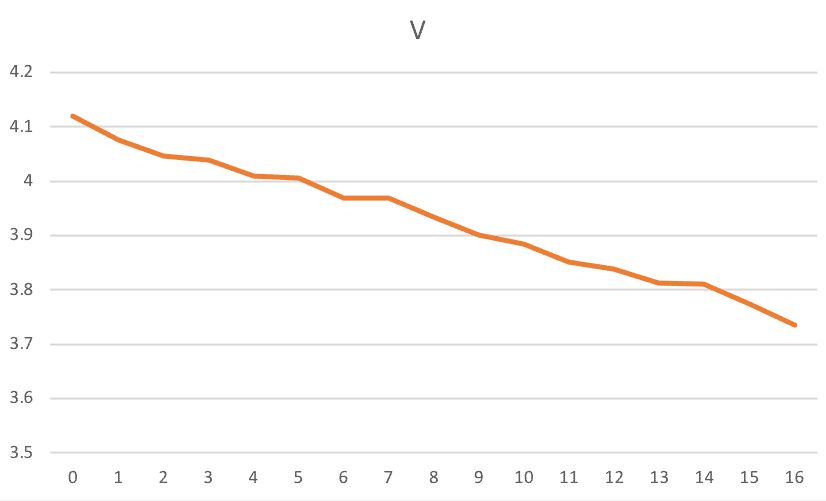
In case you use a 18650 type battery you can connect it directly to the 5V pin since it maximum voltage is around 4.2V. Tests on this kind of battery (2000mA capacity) with HS101 PRO showed continous bluetooth transmission up to 16 hours without problems (see graph on the right). When the battery voltage is around 3.6V some noise start to show up in the acquired data but the bluetooth comunication does not get interrupted.

Noise Considerations

It has been found that no additional noise is generated by the bluetooth module. Bluetooth + Battery configuration provide less overall noise than the standard USB connection.

Applications

– CAN Bus Dongle
– Relative Compression Test Dongle

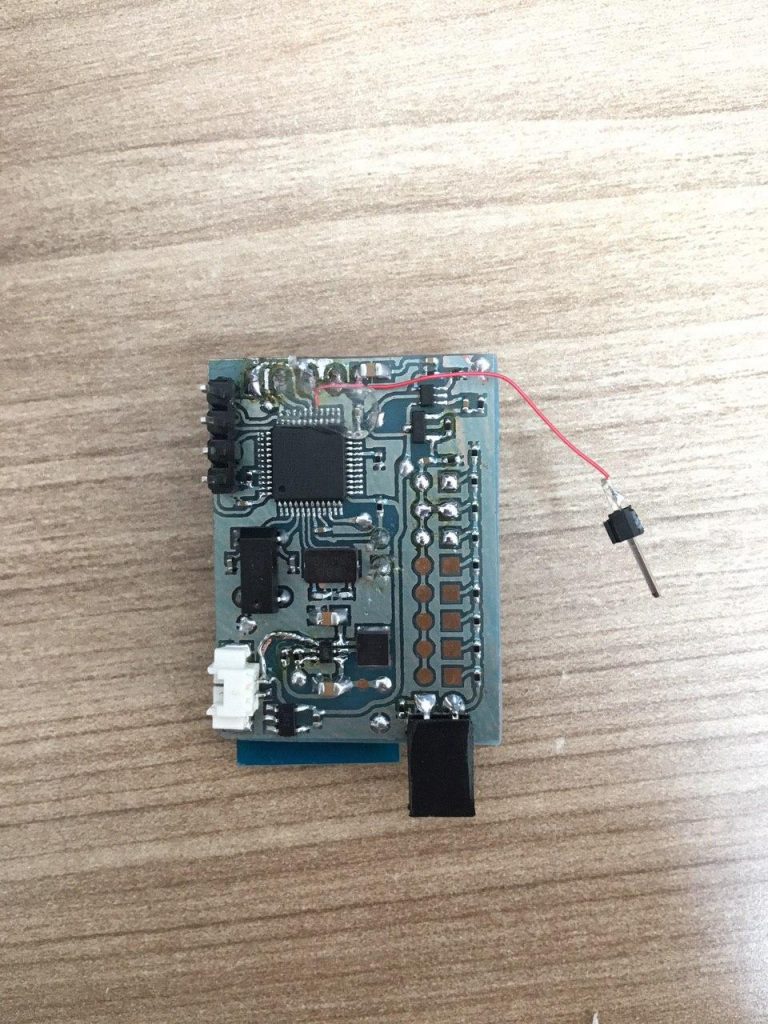
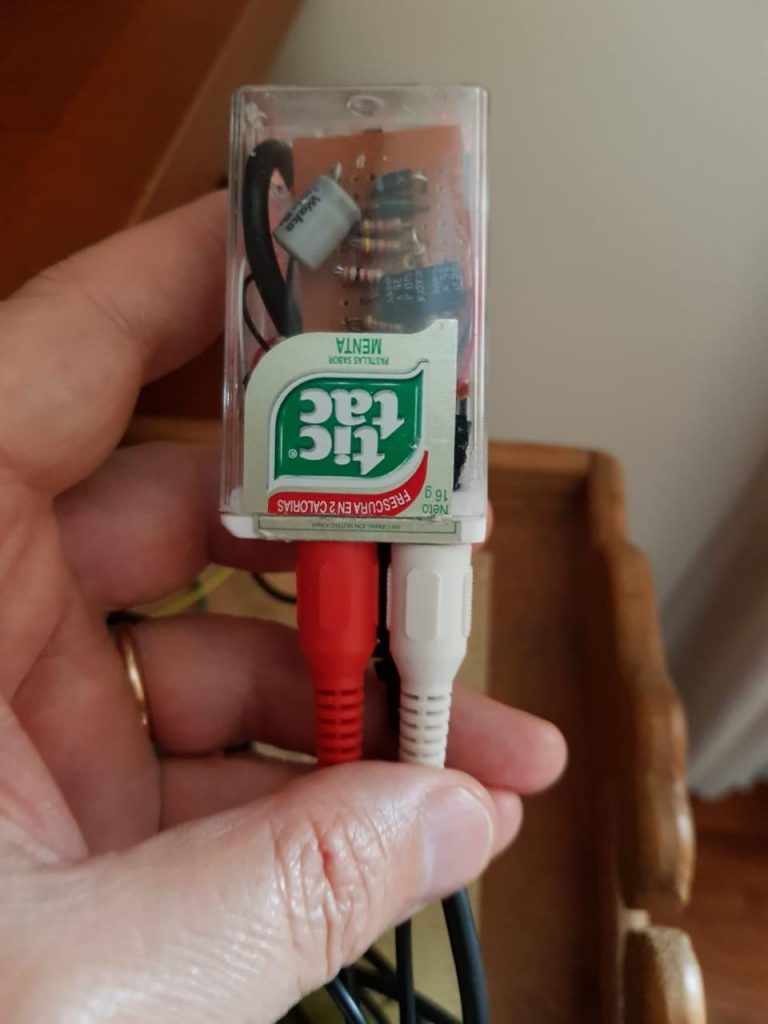
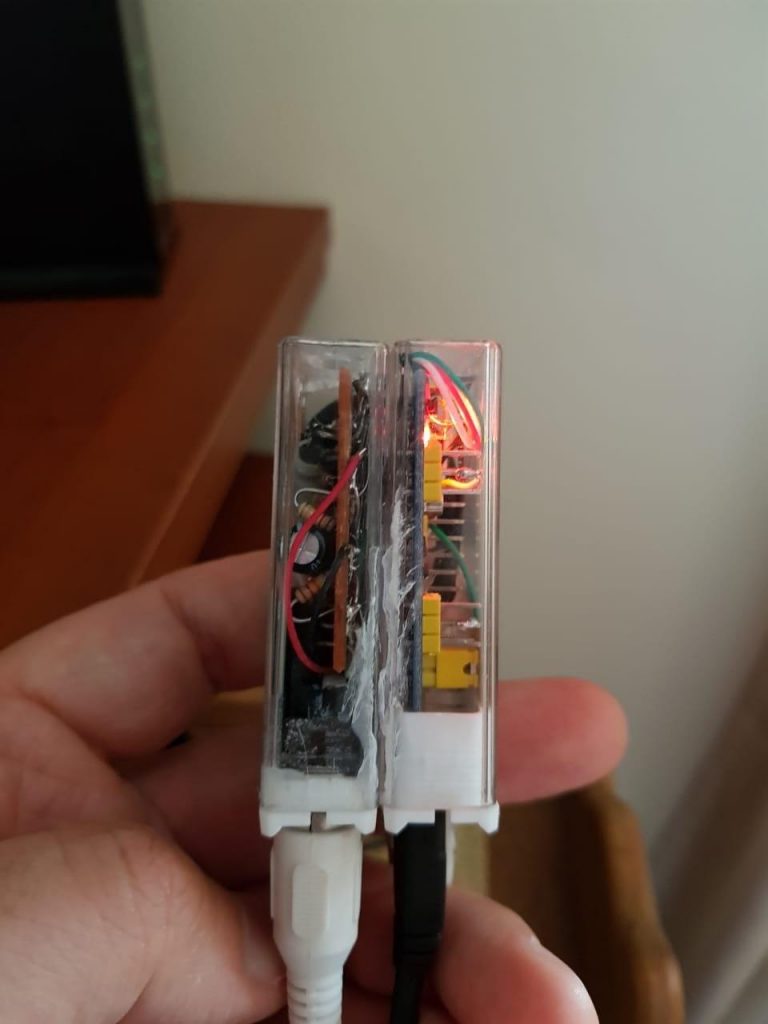
Built by Users

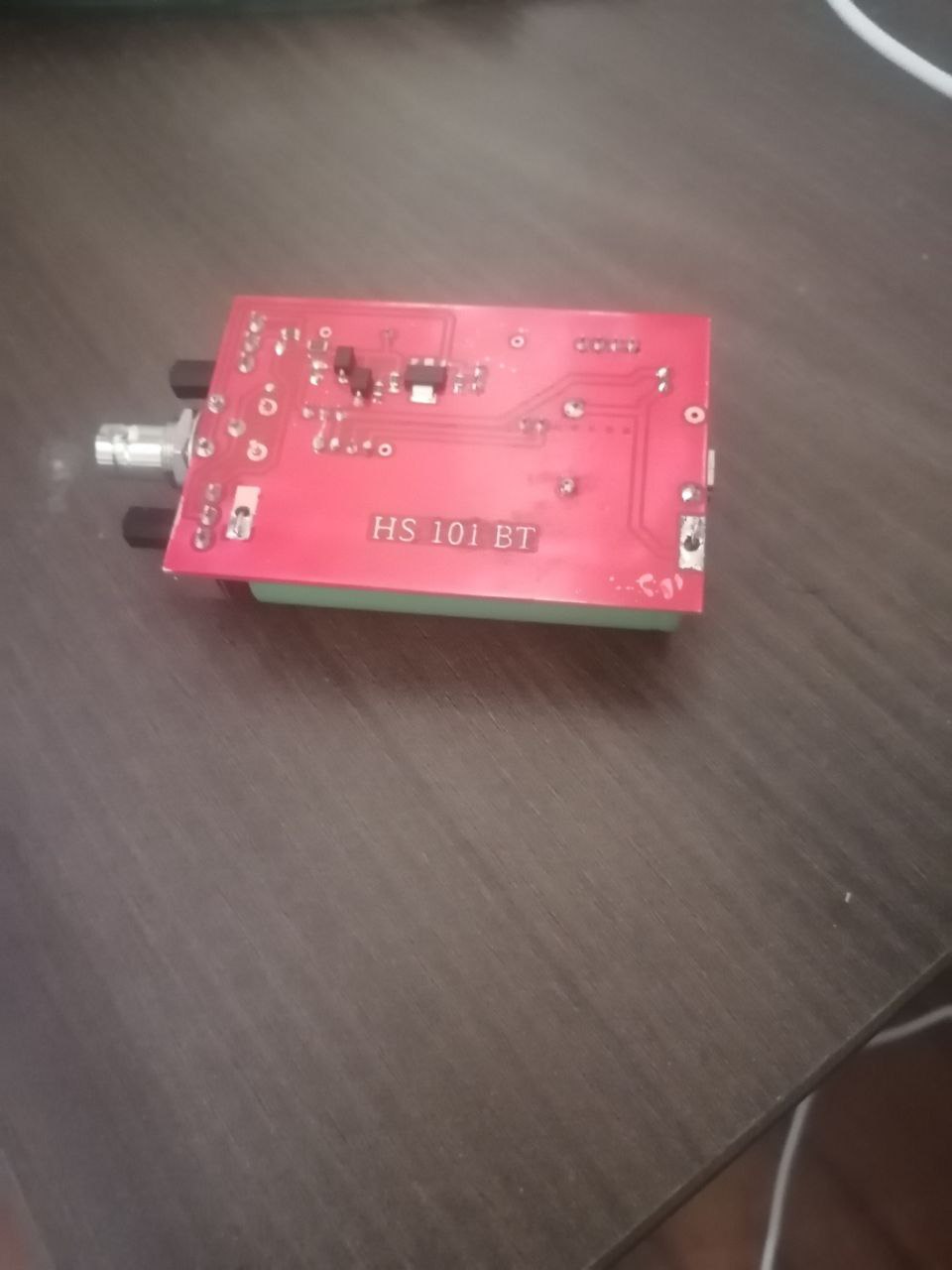
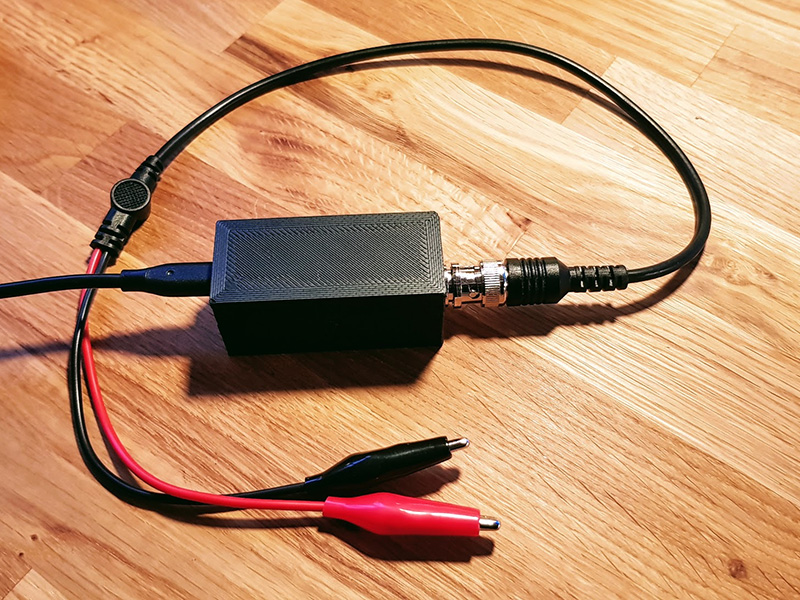
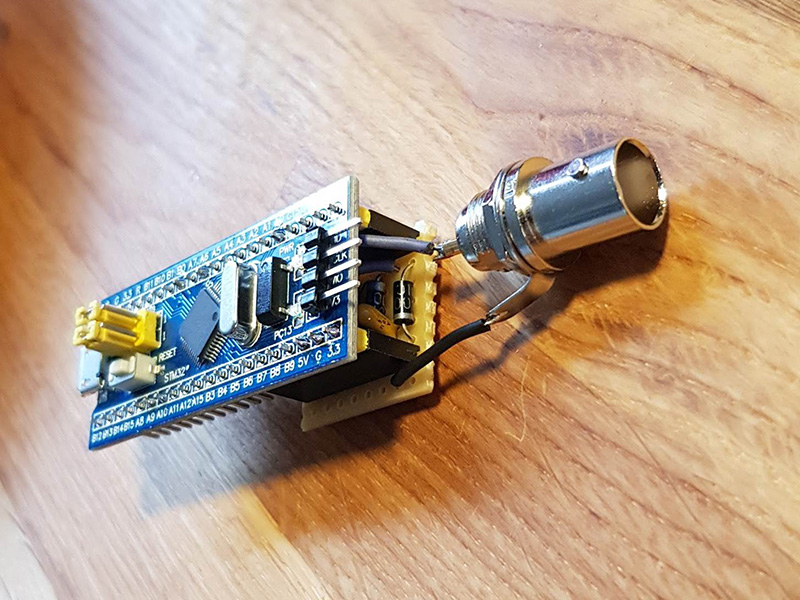
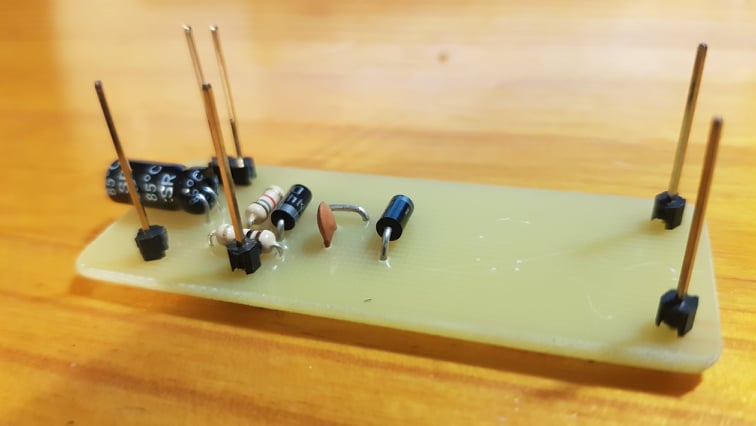
Built by Андрюха (2022)

Built by Bruno (2020)

Built by Mikael (2020)

Built by Denis (2019)

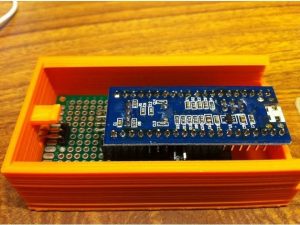
Built By The Users

Built By The Users

If you want to have your project published just drop an email!

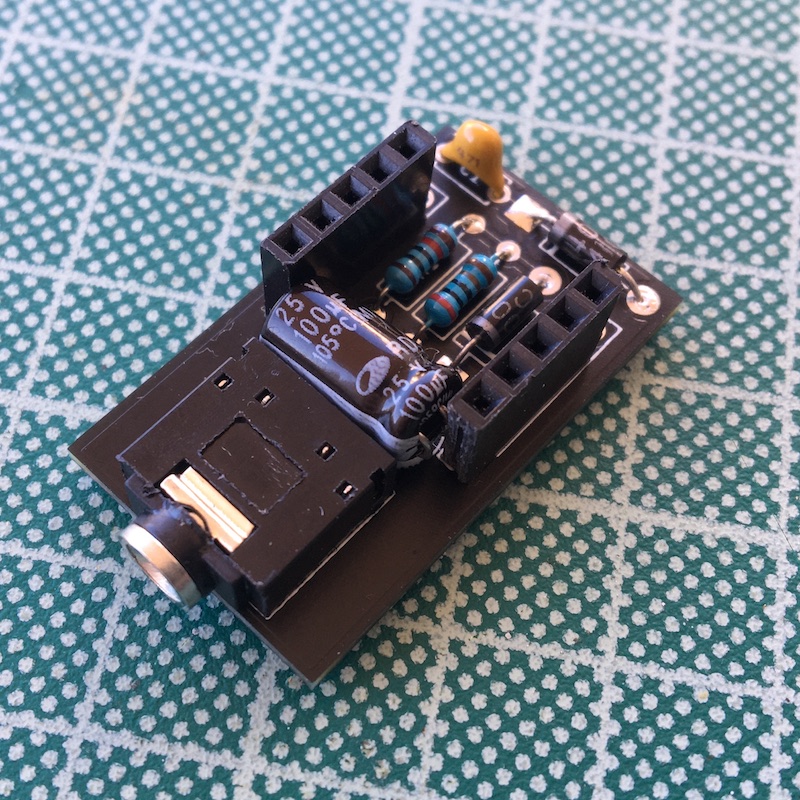
HS101

PCB implementation by Vladimir. Files are available on Github

Built by Denis

HS101 Lipstick – Built by Chris (2020)

HS102

Built by Denis

Built by Pablo (2020)

Built by Gabor (2020)

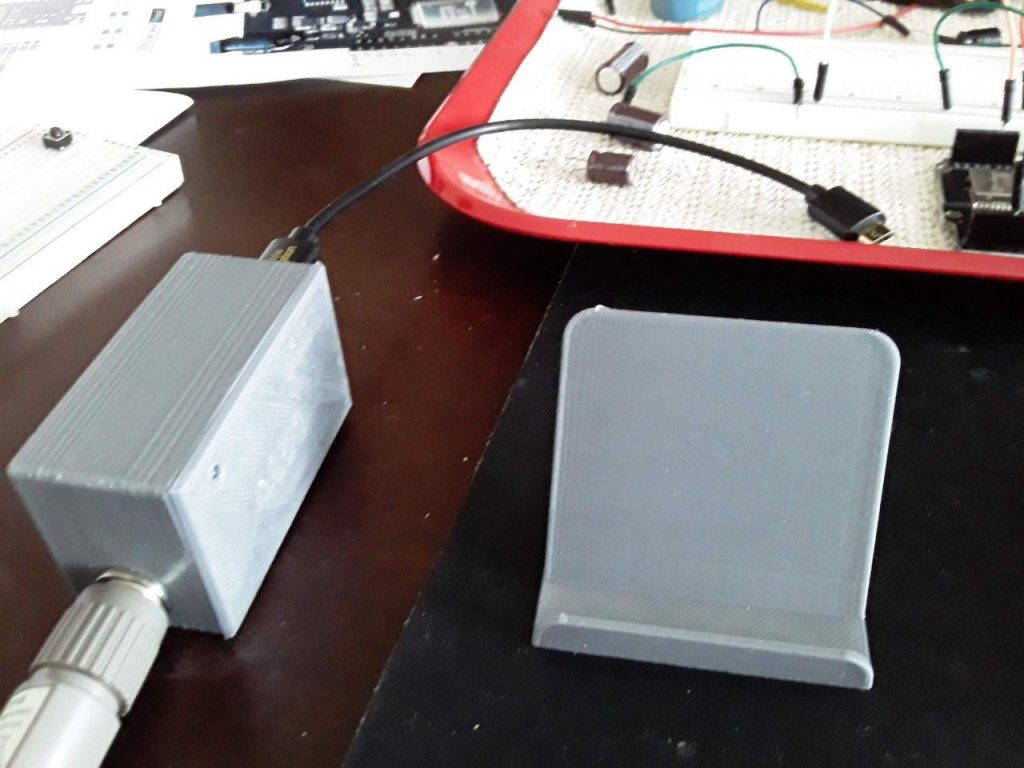
Build by CrispyDragon (2020 – 3D files here)
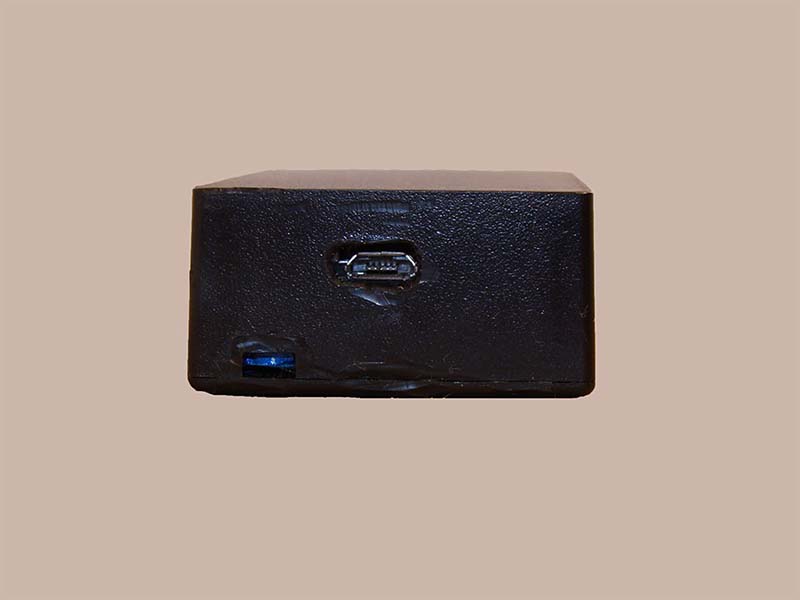
HS101 PRO

Built by Denis

Built by Dmitry

Built by Welbert (2020)

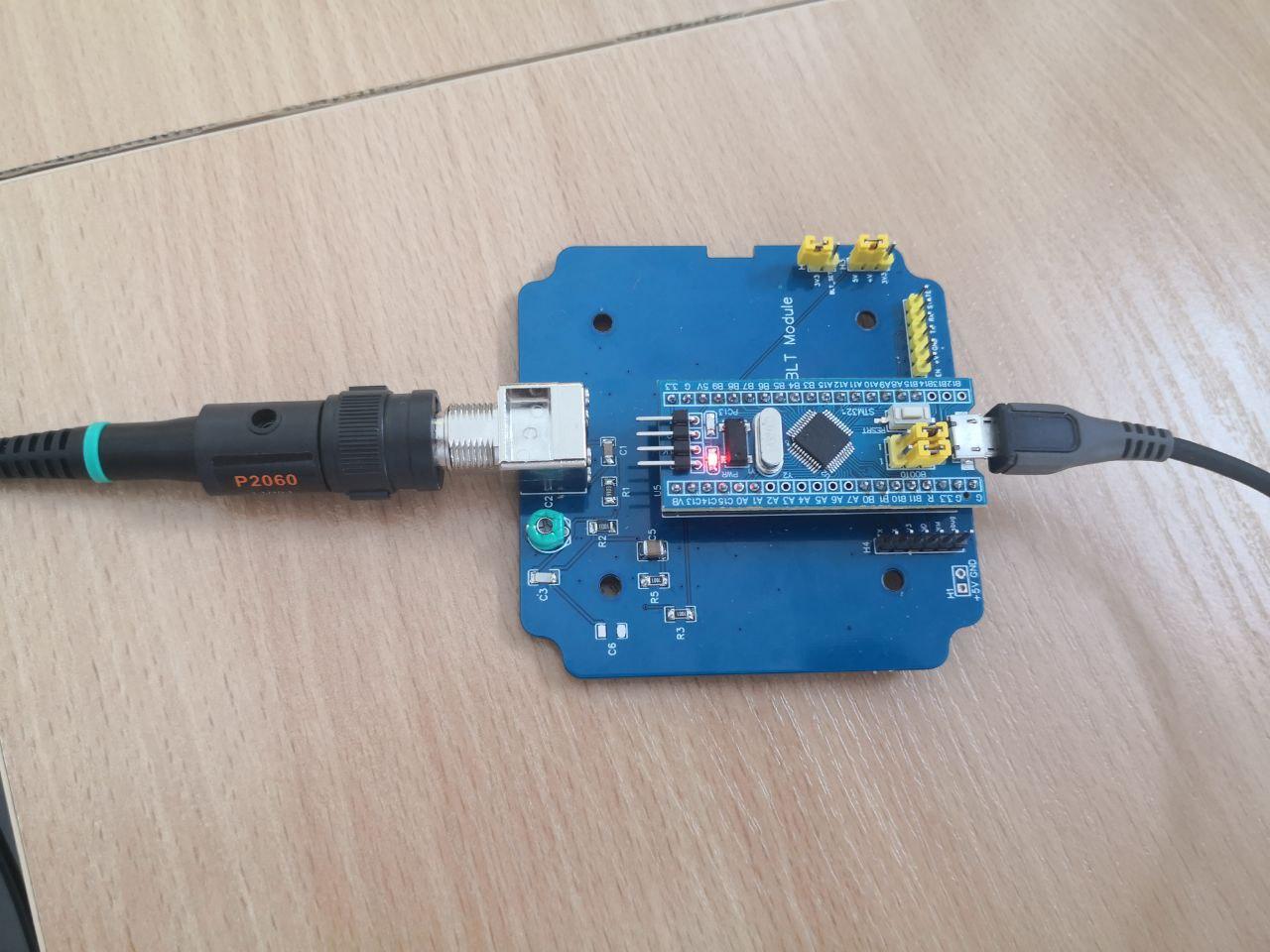
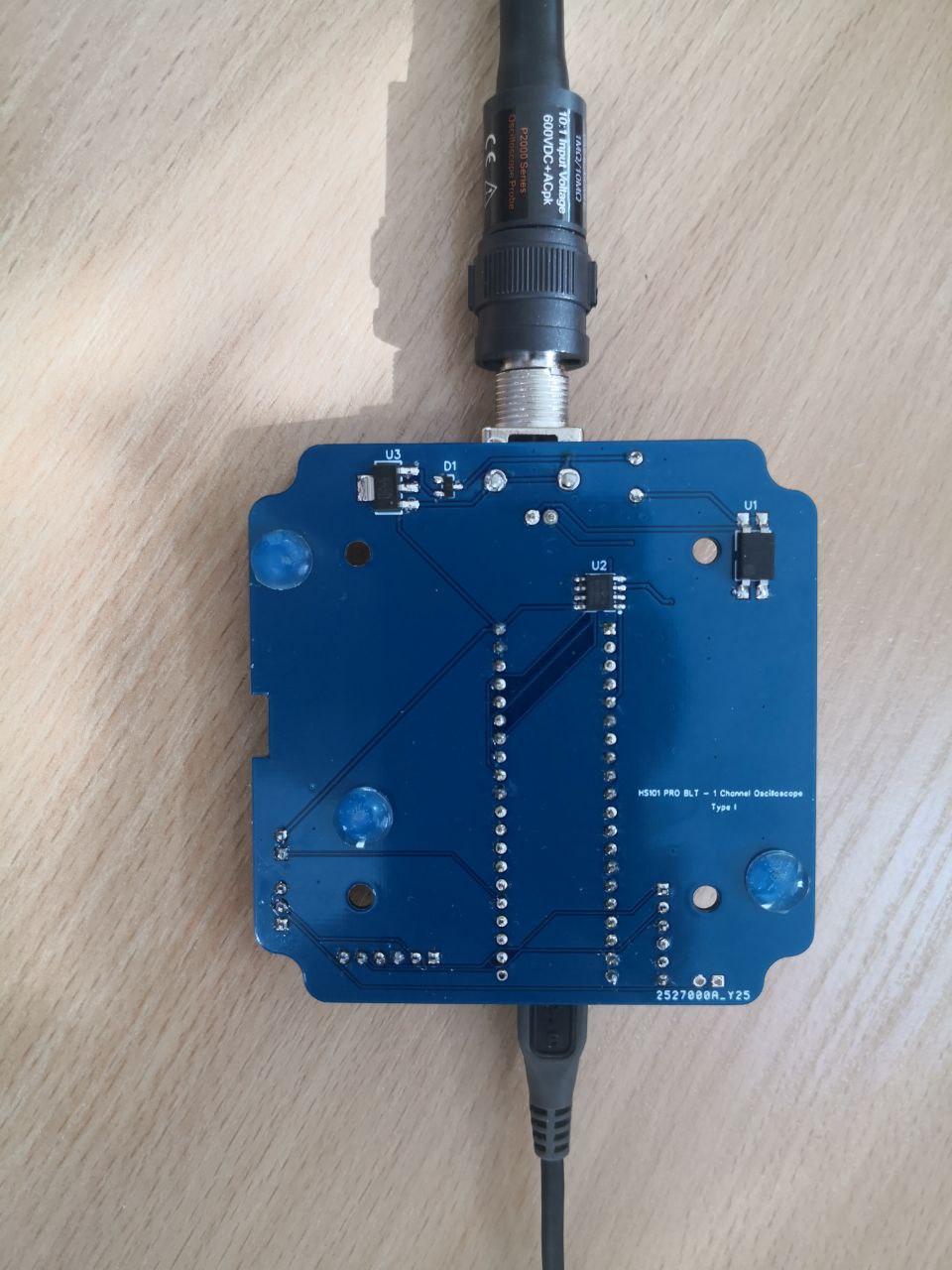
HS101 PRO – BLT

Martinloren