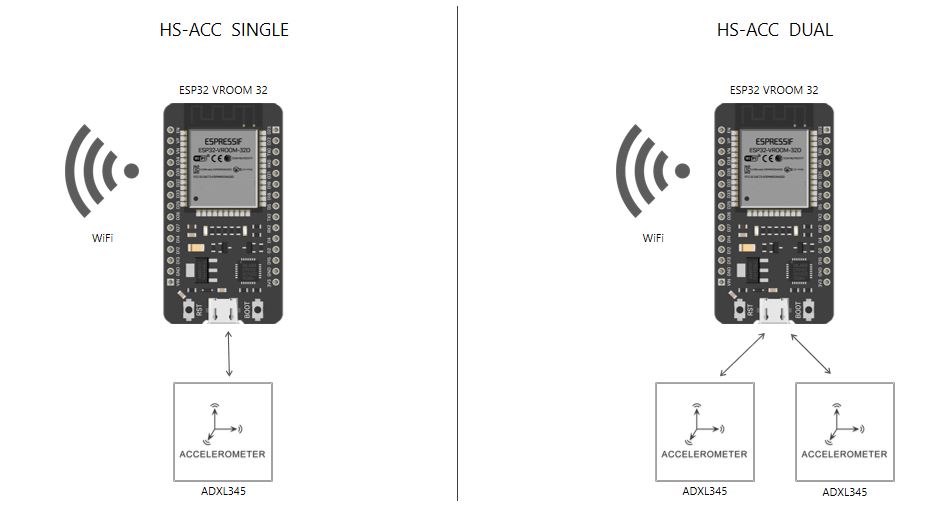
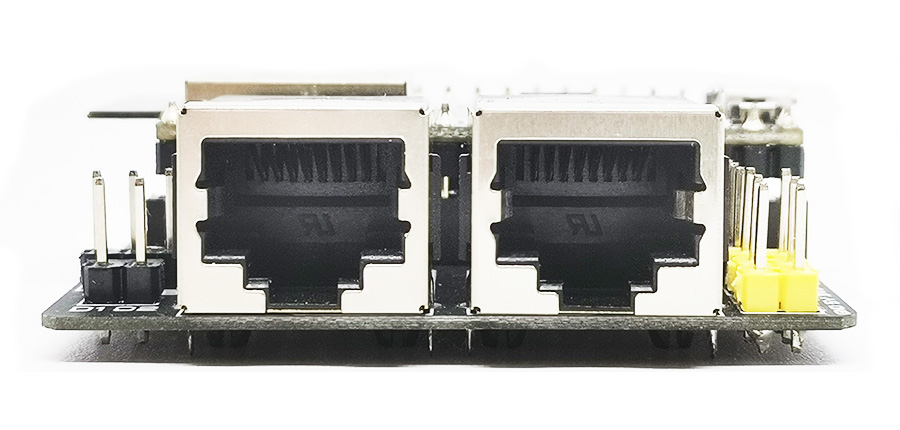
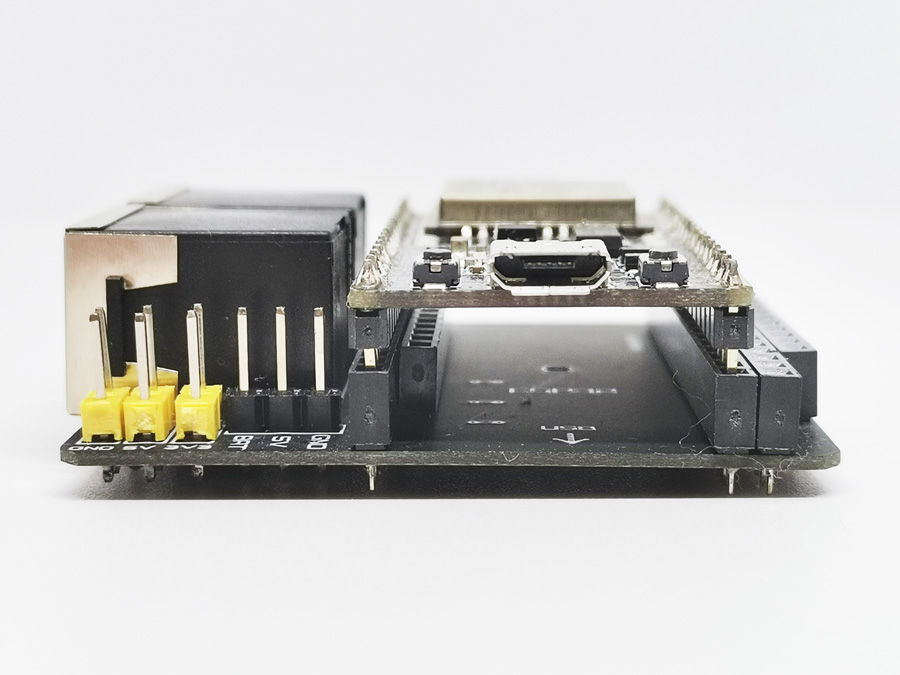
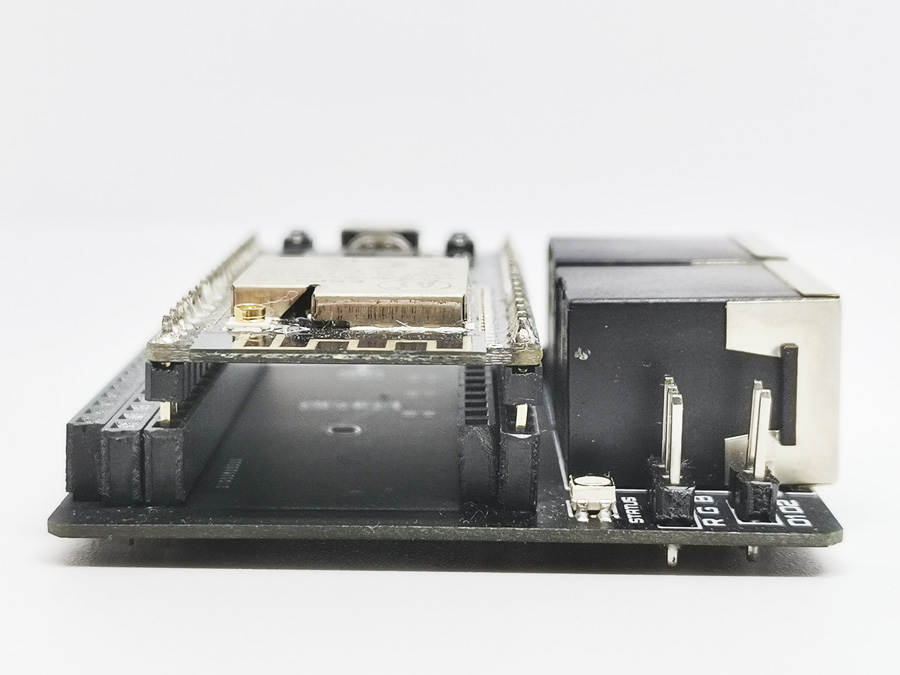
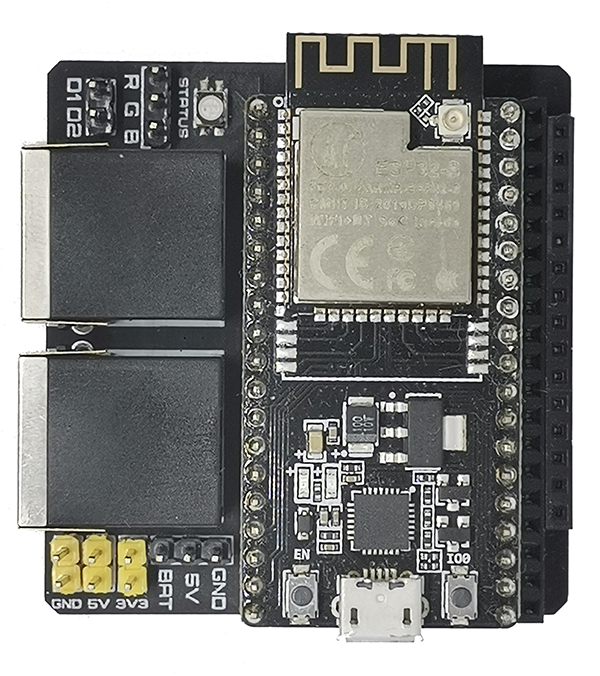
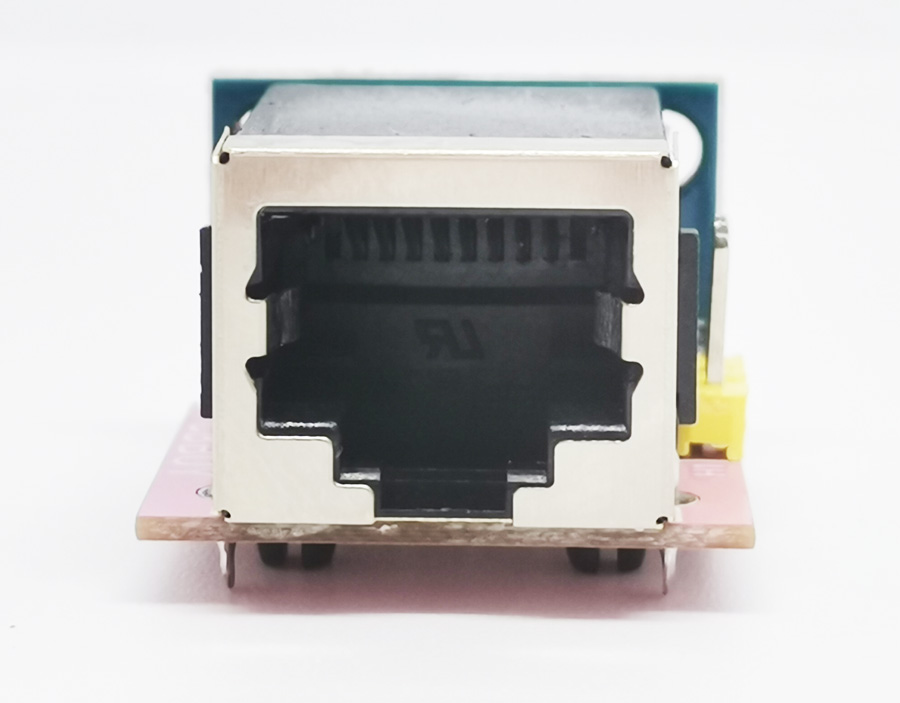
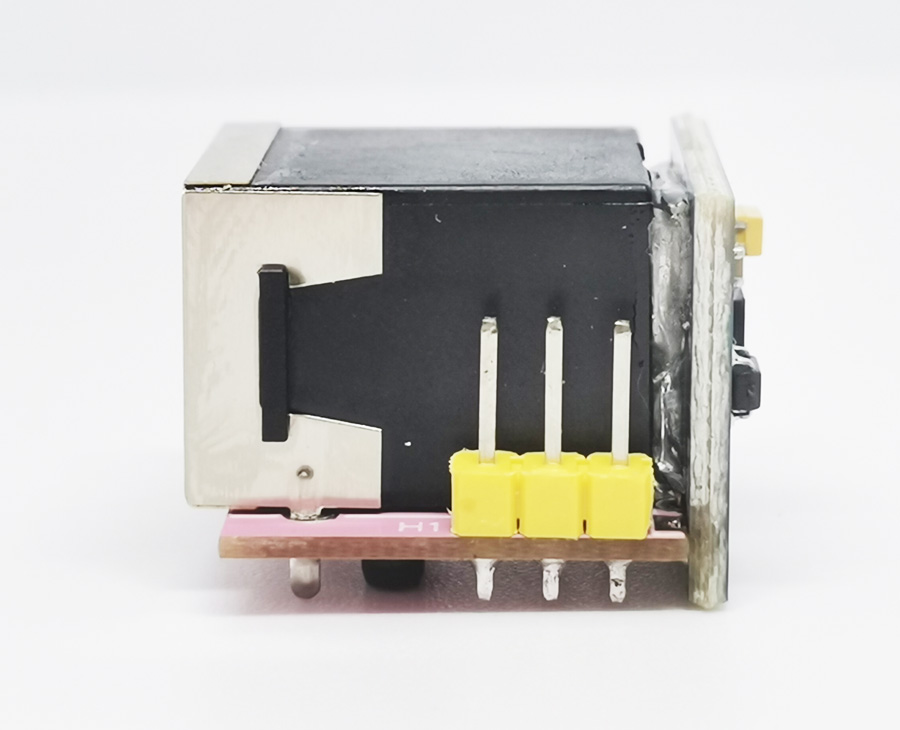
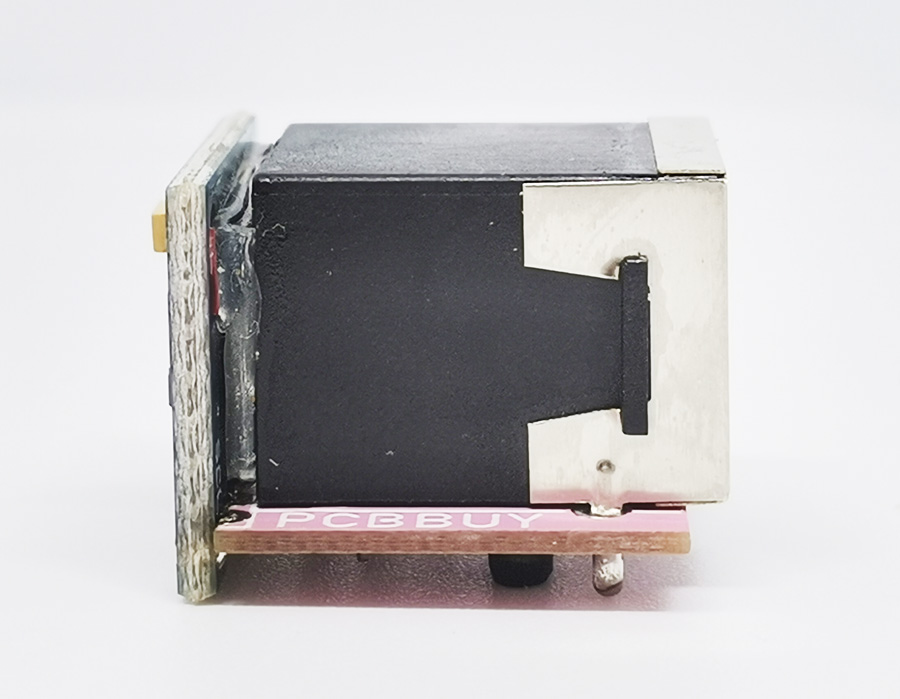
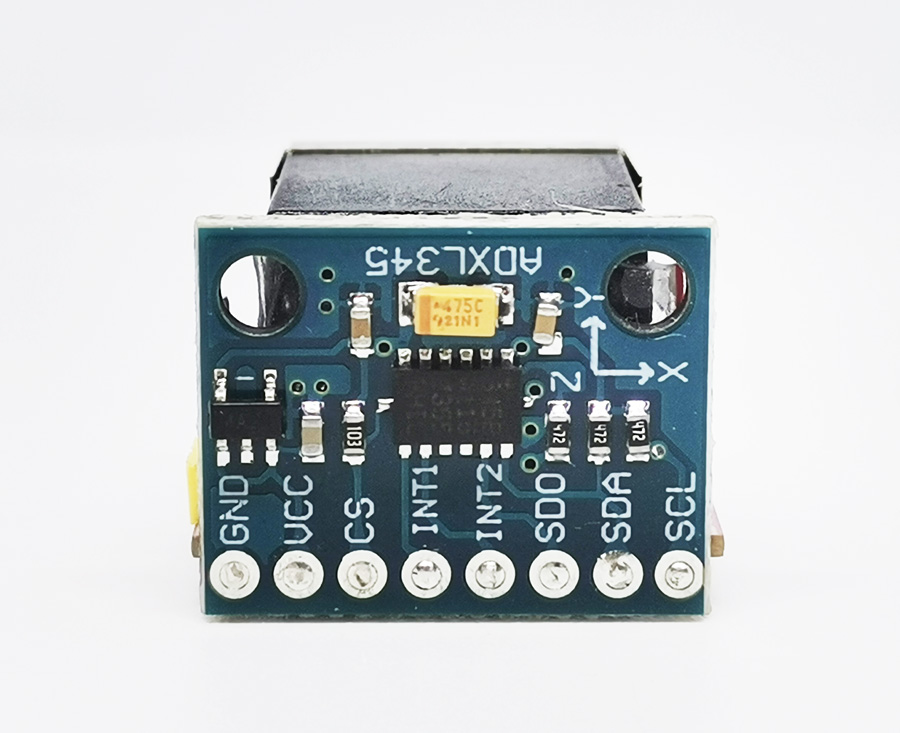
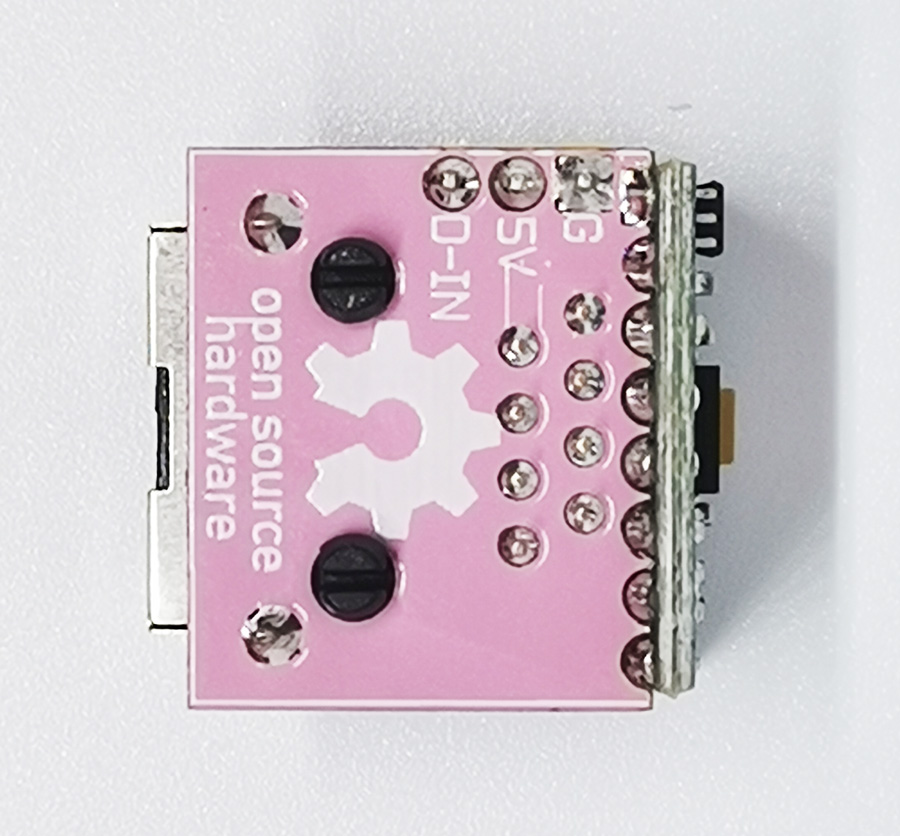
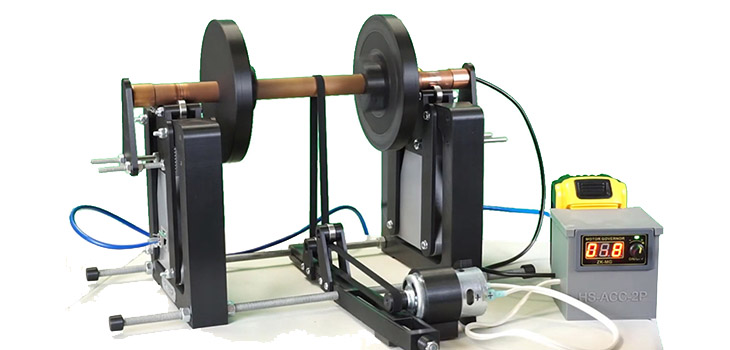
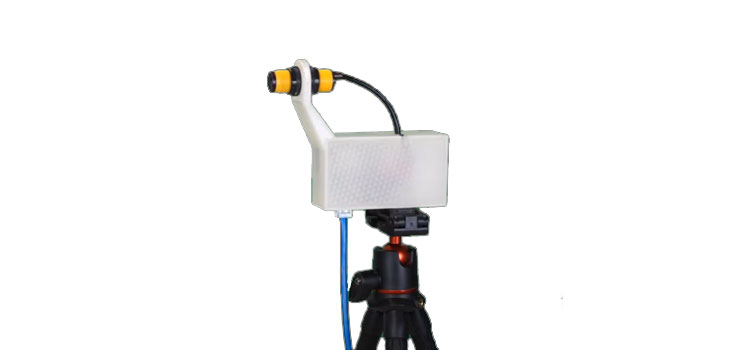
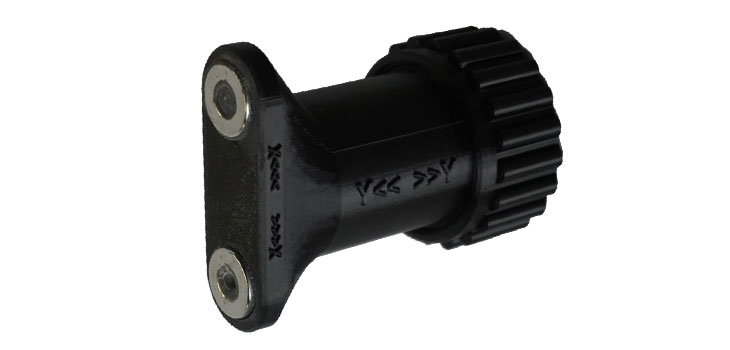
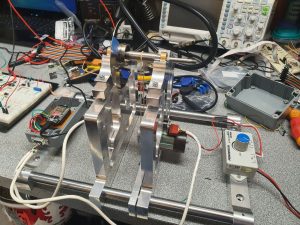
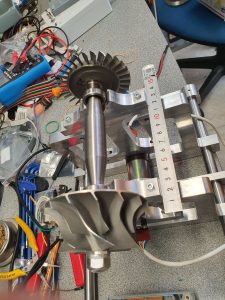
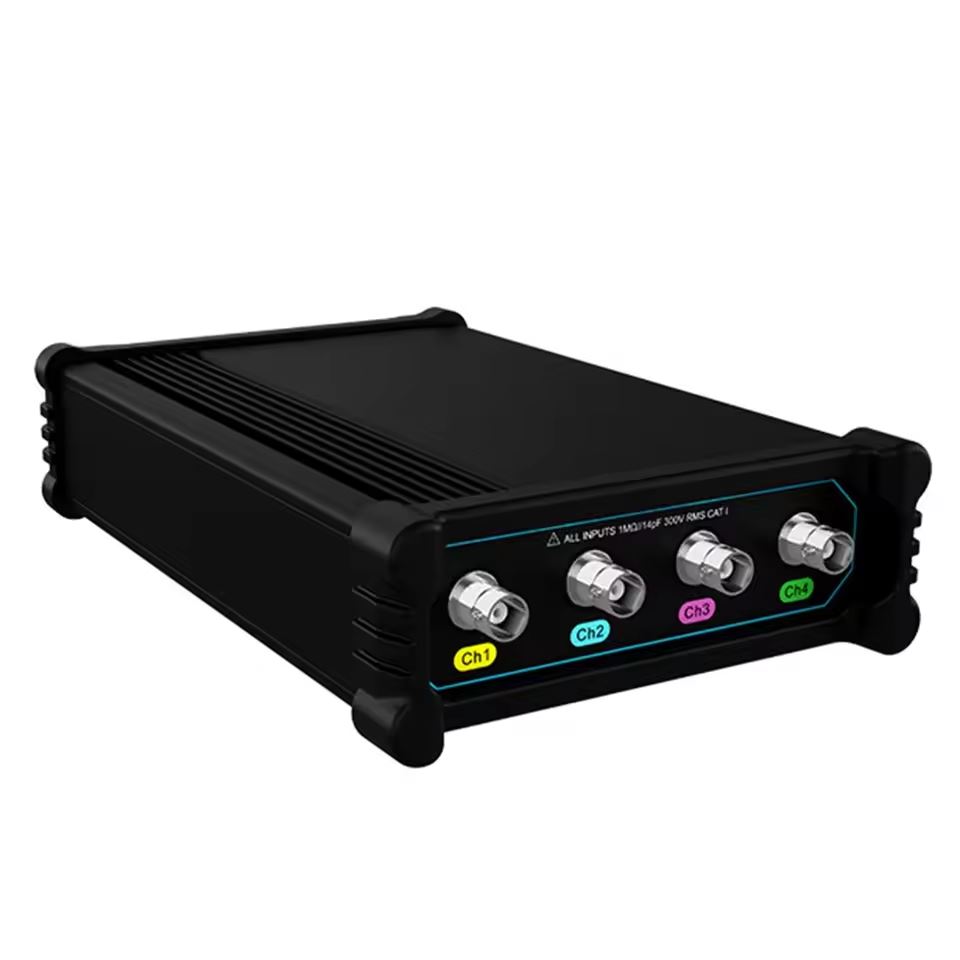
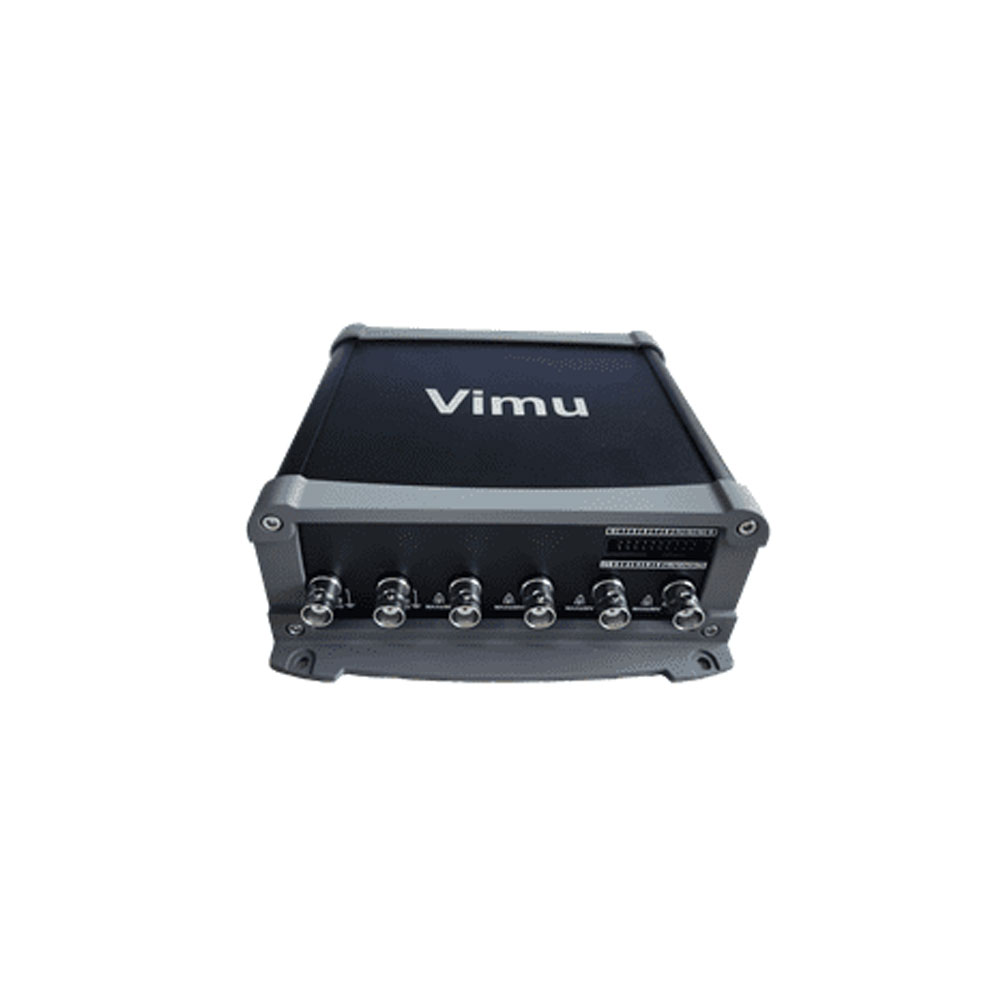
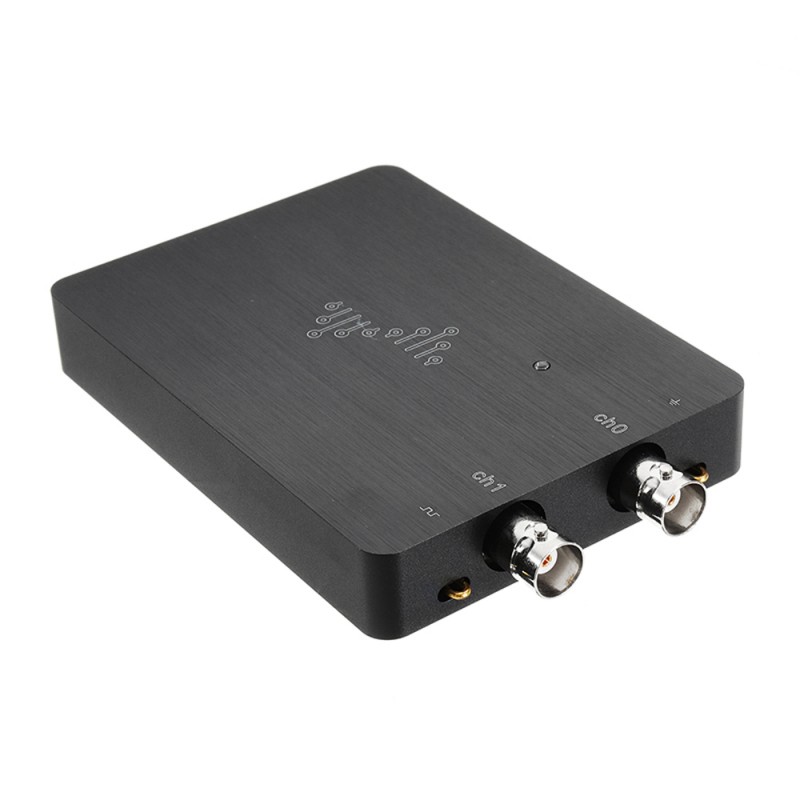
HS-ACC Wifi Accelerometer is a compact and easy-to-build device that provide real-time measures on acceleration to your Android phone or tablet. It can be used with HScope app for Android.
HScope is in continuous development thanks to the contributions of the supporters, and aim to become one of the best affordable high-tech diagnostic tool. Support today the Research & Development!
You can build and use this device without a license for testing purpose. Without a license you can see only the first channel data. Sampling rate is limited.
LICENSE
License is bounded in the ESP32 Hardware.
Each device (ESP32+sensor) requires a license to work with the full features.
Keep the provided license code for a second use in case of firmware update on the same ESP board.
PRICING
HS-ACC Single
HS-ACC Dual
1 Acceleromenter
1 or 2 Accelerometers
16 USD
26 USD
Additional Information
VibrationData Toolbox
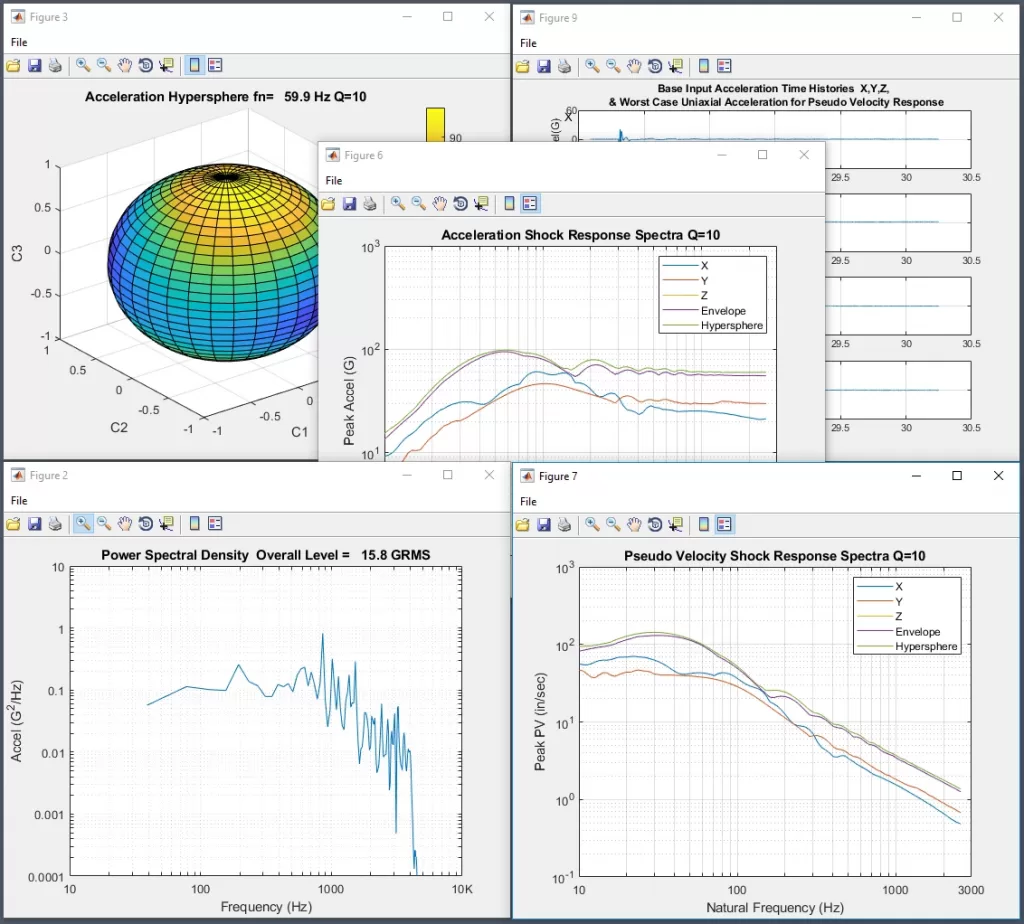
HS-ACC accelerometer data can be exported in CSV format and used in VibrationData Toolbox, with a lot of analysis functions.
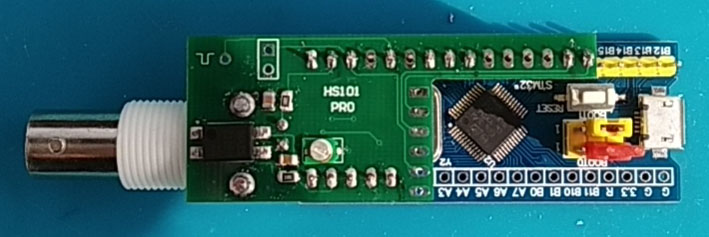
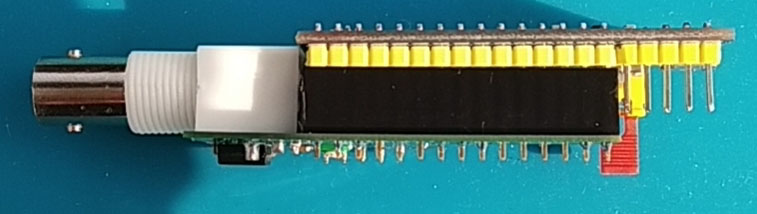
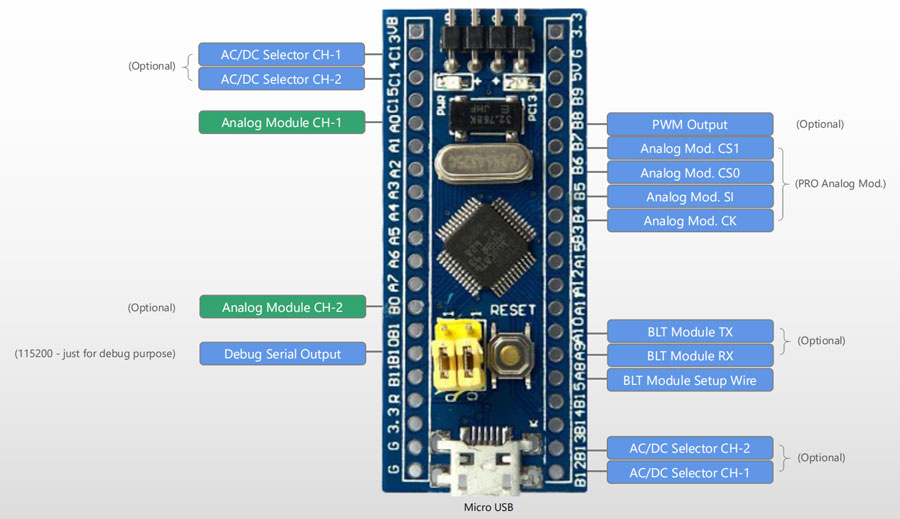
HS101-PRO is an upgrated version of the HS101 Oscilloscope that joins the portability of an Android oscilloscope with advanced hardware features. The build require some experience with SMT mounting so approachable just from part of the DIY community. Within its specs, all the standard oscilloscope applications are possible with this device.
Power consumption is also one of the lowest in the market (~40mA). It can be used only with HScope app for Android.
HScope is in continuous development thanks to the suggestions from the users and the contributions of the supporters, and aim to become one of the best affordable high-tech diagnostic tool.
Consider to support HS10X project with a donation!
please indicate in the notes the purpose of donation
Intro
A Single Channel oscilloscope based on STM32F103 Blue Pill development board. It provide long memory buffer and high real-time transfer speed.
Technical Specifications
Channels
1
Input Range
±16V, ±8V, ±4V, ±1.6V, ±500mV
Sampling Rate
2 KSa/s – 2,5 MSa/s
ADC Resolution
up to 12 Bits (effective without noise: 9 bit, 10bit @ 100KSa/s, 11bit @ 75KSa/s, 12bit @ 12KSa/s)
Input Noise
< 60mV (<= 15mV for Sampling Rate <= 100KSa/s) <=20mV with the Black Pill (<=10mV for Sampling Rate <= 100KSa/s)
Bandwidth
600 KHz (max visible frequency with sinc interpolation @ 2.5MSa/s)
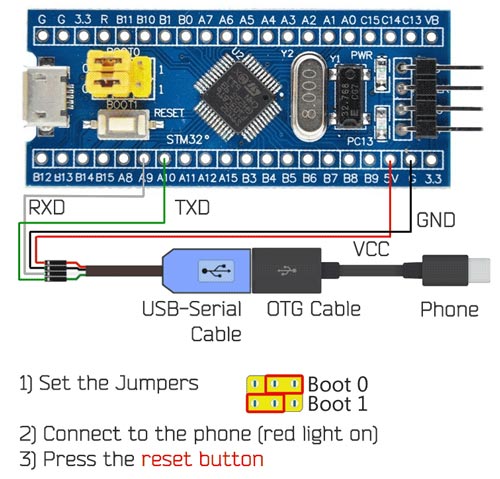
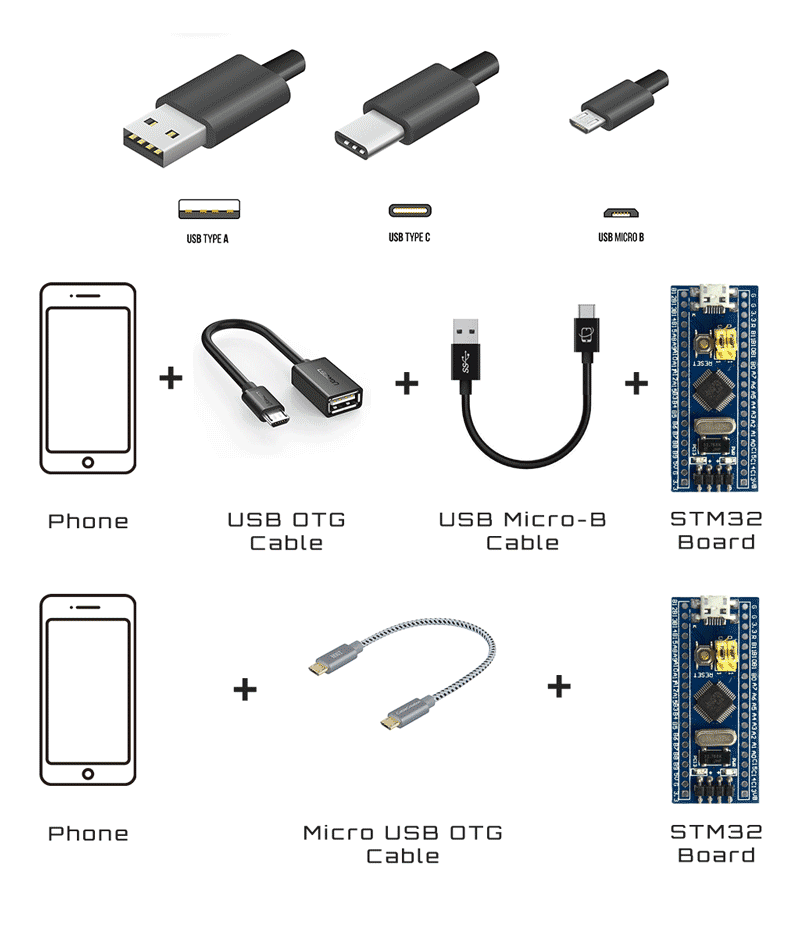
The firmware flashing is made with the app STM32 Utils with an OTG adapter connected to the phone and an USB-TLL adapter connected to the OTG adapter. After connecting the phone to the STM32 Black Pill board like in picture, the red led light up.
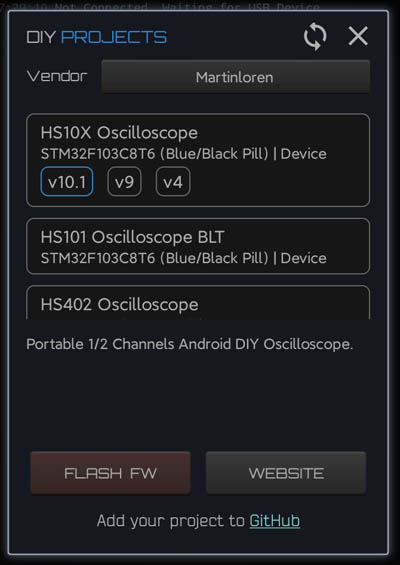
By setting the jumpers on the Blue Pill as in picture, the board enter into the STM boot loader and it is ready to be flashed. On the App: 1) Go to Init Chipset and check that the app read the chipset 2) Go to the Blue Box icon and in the list under vendor Martinloren select HS10X Oscilloscope, then FLASH FW.
3) After flashing disconnect the USB-TTL cable from the STM32 board, put the jumpers in original position (see picture) and connect the STM32 to the phone through the OTG cable. Open HScope, the app should show you the signal from Channel 1.
Connection
First Setup / Calibration
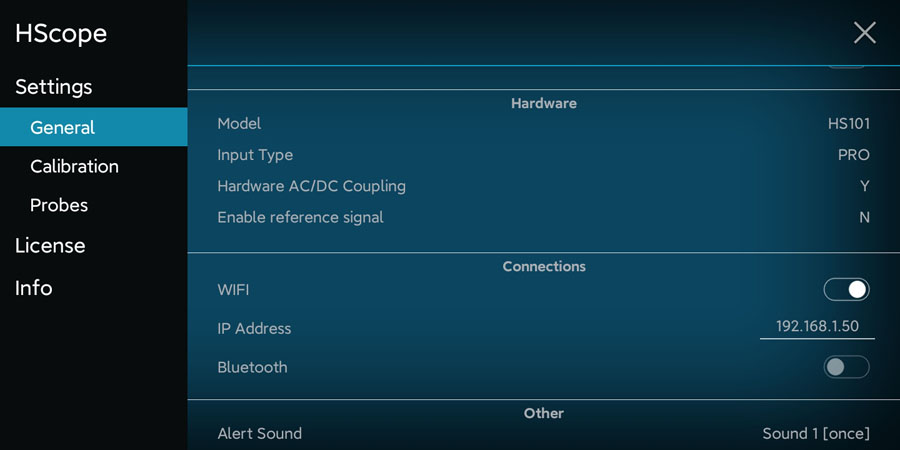
When the oscilloscope is connected go in HScope Settings, General - Hardware. Here:
Set the Model to HS101 and Input Type to PRO. When you do this change also the option Hardware AC/DC Coupling will be enabled automatically.
Disconnect and reconnect the oscilloscope to get the new configurations.
Offset Calibration
(required just for Hardware Option 1) Connect Channel 1 probe to its GND.
For Channel 1 do the Calib Zero Lvl procedure in the Settings -> Calibration.
Frequency Calibration
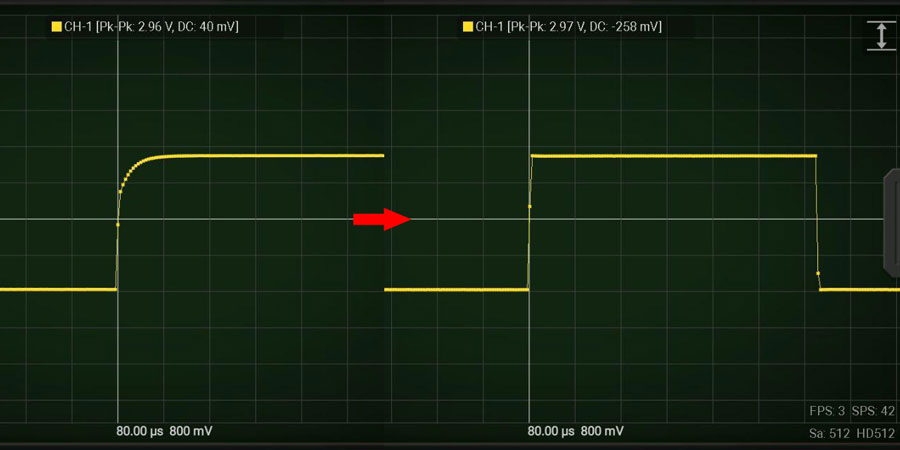
Enable the PWM signal using the PWM module (red square icon in the right menu, then open the module). HS101 will generate a square wave on pin B8 (1kHz initially).
Connect the probe to pin B8. Use an high rate, i.e. 450KSa/s and turn the variable capacitor until the rising part of the square wave reproduce a good square. Do this for each channel.
Now the device is calibrated in frequency response.
Multiplier Calibration
For this calibration you need an accurate voltage source, for example 3.3V or 5V from a voltage stabilizer. 5V from USB port is not accurate and should never be used for this calibration. Batteries also should not be used. At least you can use LM7805 or this kind of linear voltage regulators.
For each channel do the Calib Multiplier procedure in the Settings -> Calibration.
HW Debugging
Here the tests you can perform in case of issues:
Check that PGND is approximately around 1.65V respect GND. A0 pin (analog input) also should be at the same voltage with no input signal is applied.
With a multimeter check that there are no shortcuts among the pins B4, B5, B6, B7 (these are connected to the PGA (U1) which are very small and are easy to get shortcuts between the pins).
To check that the AC/DC coupling works just apply a battery to the input. When DC is selected you should read the voltage of the battery, when AC is selected you should read 0V.
Waveform update rate (2 channels): up to 30 wfms/sec
Roll Mode: supported
AC/DC: hardware
Trigger: hardware just on CH1
Models Supported
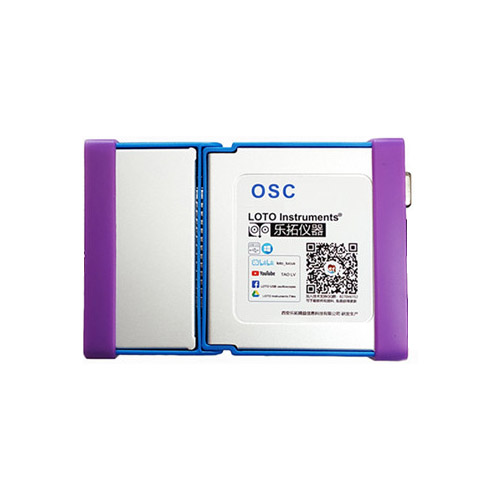
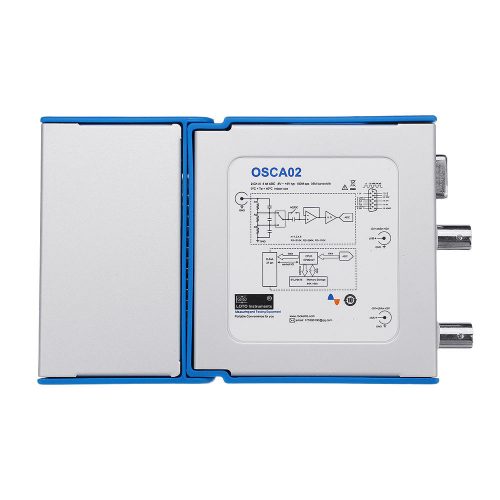
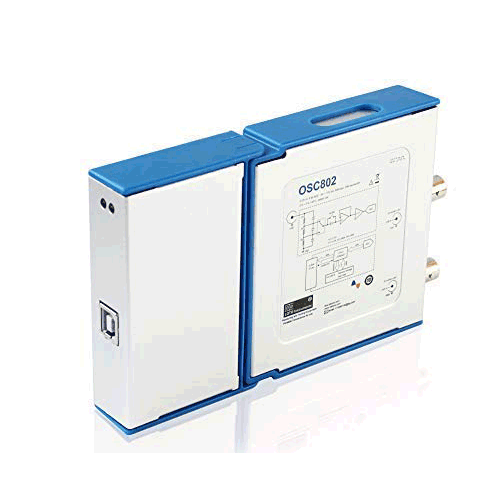
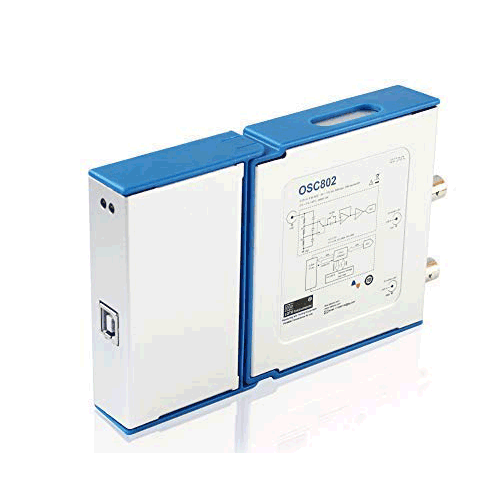
All the OSC802 submodels are supported:
OSC802
OSC802D
Submodel OSC802D is just supported in the main Oscilloscope features and not in the specific additional feature (digital analyser).
App Modules Support
Automotive Module: supported up to 125KSa/s real-time
Audio Module: supported
Advantages
Hardware AC/DC coupling
Fast real time acquisition with Cypress FX2 chipset (reach top rate in Automotive Module)
High ADC resolution at lower rates
Long memory buffer
Hardware Trigger
HScope read device calibration data (not need to be calibrated)
Disadvantages
±Input voltage up to 5V
Can use the trigger just on Channel 1
SainSmart DS140/DDS140
It has been reported from some user that Sainsmart DDS140 is recognized and can work with Loto OSC802 license, however officially HScope do not support the DDS140.
Power Consumption: 0.78A (it may require external power)
*Provided by HScope
Modules Support
Automotive Module: supported up to 125KSa/s real-time
Audio Output: supported
Advantages
Hardware AC/DC coupling
Wide input range (suitable also for automotive and electrical applications)
This device seems don’t need calibration, data acquired from the device is already accurate
High real-time acquisition rate (up to 125KSa/s with modified driver)
Disadvantages
High power consumption (may need external battery pack)
Calibration
This device must be calibrated using the original software. Once calibrated the data produced by the oscilloscope is already calibrated. Calibration in HScope is not required/allowed.
License
Hantek 6104 and 6254 are recognized as 6074. Full version will require the license for Hantel 6074.
Known Issues
Phone/Tablets with Android 12+ may have data corruption issue with these oscilloscopes. The issue is in Android system and cannot be fixed since data arrives to the application layer already corrupted.
When one of the 4 channel saturate since the input signal strenght is higher than the set max range, then the data on the other channels get corrupted. It seems to be an hardware issue on the analog stage. Be carefull that you set the proper input range for each channel.
HScope Driver Optimization
Original roll mode speed is 250Sa/s. This is the maximum sampling rate supported by the original software for continuous acquisition. The driver available on HScope overclock the real-time sampling rate up to 125KSa/s, for a better usage with the Automotive Module.
Release History
Driver available since release 117 (Apr 2019)
4 channels available since Jun 2021
Real-time sampling rate up to 125KSa/s from release 283 (Oct 2021)
Automotive Module: supported up to 125KSa/s real-time
Audio Module: supported
PWM Generator: supported up to 10KHz, duty cycle 5-95%
Advantages
Hardware AC/DC coupling
Fast real time acquisition with Cypress FX2 chipset (reach top rate in Automotive Module)
High ADC resolution at lower rates (experimental)
(OSC482/DS482) HScope read device calibration data (not need to be calibrated)
Disadvantages
±Input voltage up to 5V
Rate vs Memory Buffer
Standard Rates
250,500 Sa/s (8 kSa)
1,2,8,16,25,50,100 kSa/s (8 kSa)
200,500 kSa/s (1 kSa)
1,2,4,8,16,24,48 MSa/s (1 kSa)
High Resolution Experimental Mode
500 Sa/s (8 kSa)
1,2,5,10,25,50,125 kSa/s (8 kSa)
250 kSa/s (4 kSa)
500 kSa/s (8 kSa)
1 MSa/s (8 kSa)
2,4,8,16,24,48 MSa/s (1 kSa)
First Time Configuration
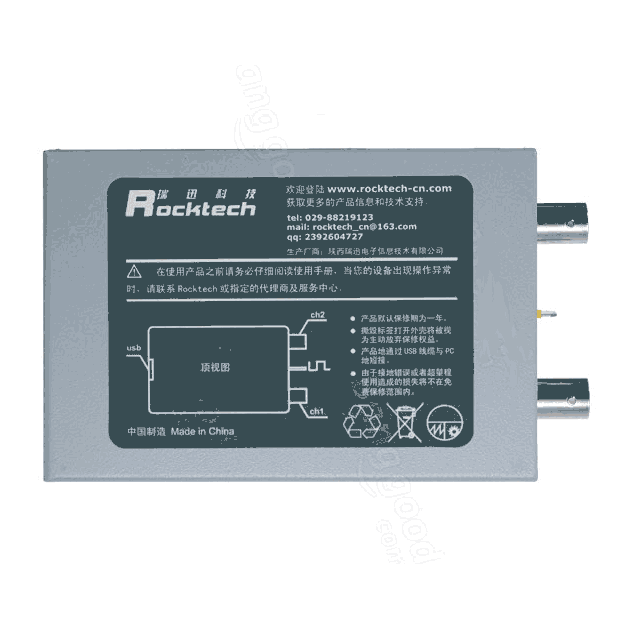
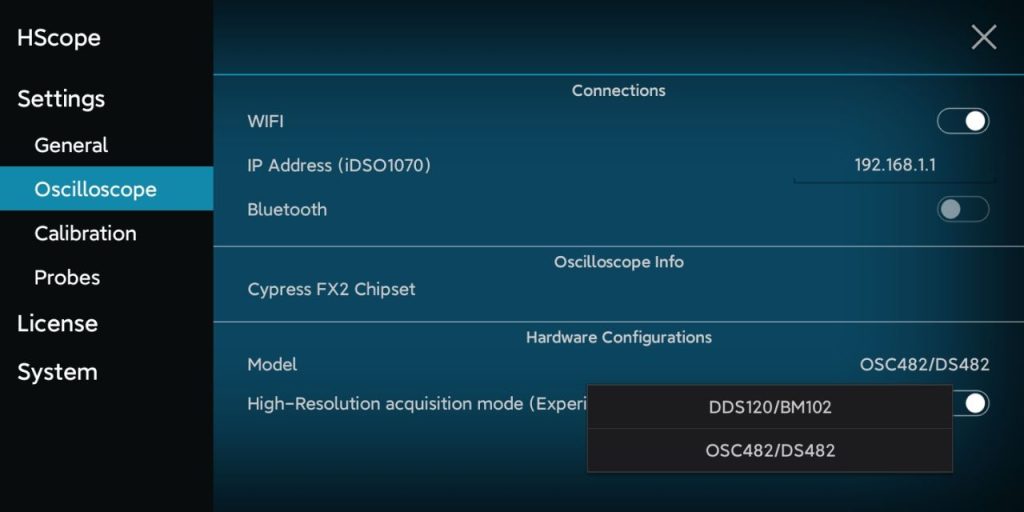
Also the old SainSmart DDS120 and Rocktech BM102 at the first connection are recognized as LOTO OSC482 (new model). When they are connected to the phone then it need to be configured in the app Settings->Oscilloscope->Hardware (Model) as DDS120. Disconnect and reconnect the oscilloscope.
License
HScope supports the following models which are recognized at the first connection as LOTO OSC482:
Automotive Module: supported up to 125KSa/s real-time
Audio Module: supported
PWM Generator: supported up to 10KHz, duty cycle 5-95%
Rate vs Memory Buffer
Standard Rates
250,500 Sa/s (8 kSa)
1,2,8,16,25,50,100 kSa/s (8 kSa)
200,500 kSa/s (1 kSa)
1,2,4,8,16,24,48 MSa/s (1 kSa)
High Resolution Experimental Mode
500 Sa/s (8 kSa)
1,2,5,10,25,50,125 kSa/s (8 kSa)
250 kSa/s (4 kSa)
500 kSa/s (8 kSa)
1 MSa/s (8 kSa)
2,4,8,16,24,48 MSa/s (1 kSa)
License
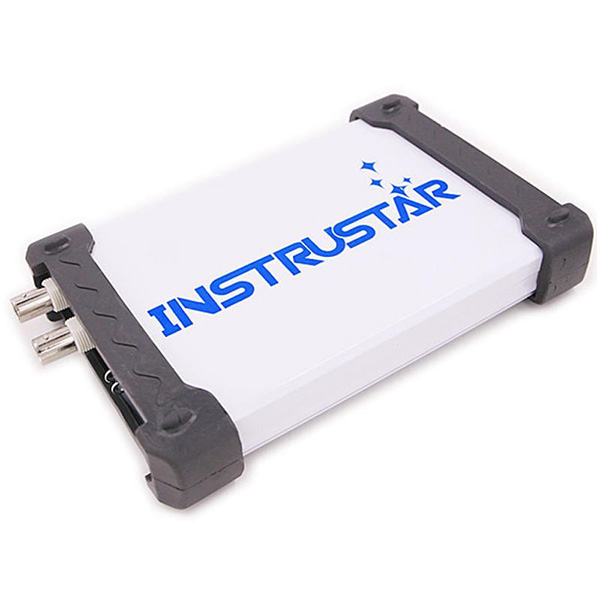
Except the ISDS205X all the other models use the license Instrustar ISDS205. For the ISDS205X model the license is called Instrustar ISDS205X.
Configuration
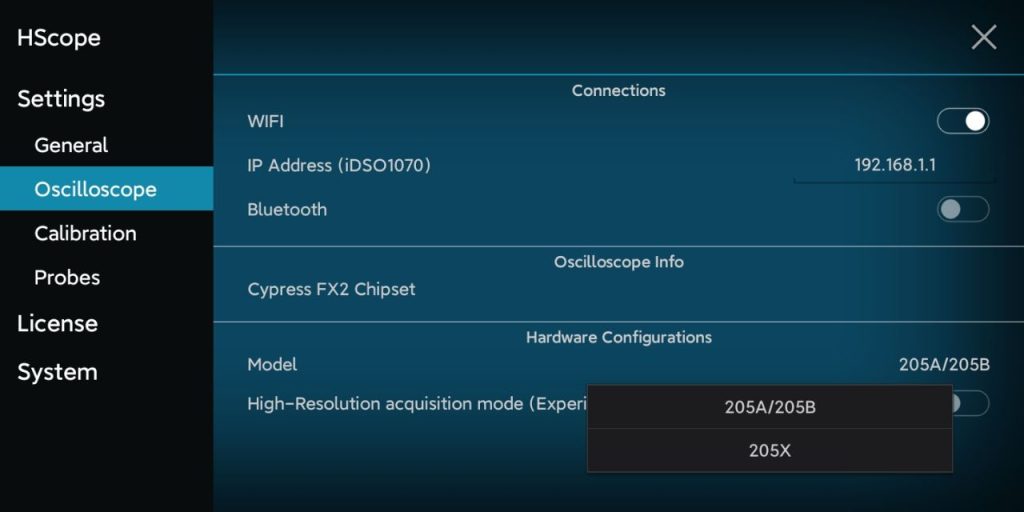
After the oscilloscope is connected to the phone, enter in the Settings -> General. Here in the Hardware section you can select your oscilloscope model (select 205A also for the 205B model). After setting the model disconnect and reconnect the device. In the setting you should find the last model selected.
We use technologies like cookies to store and/or access device information. We do this to improve browsing experience and to show personalized ads. Consenting to these technologies will allow us to process data such as browsing behavior or unique IDs on this site. Not consenting or withdrawing consent, may adversely affect certain features and functions.
Functional
Always active
The technical storage or access is strictly necessary for the legitimate purpose of enabling the use of a specific service explicitly requested by the subscriber or user, or for the sole purpose of carrying out the transmission of a communication over an electronic communications network.
Preferences
The technical storage or access is necessary for the legitimate purpose of storing preferences that are not requested by the subscriber or user.
Statistics
The technical storage or access that is used exclusively for statistical purposes.The technical storage or access that is used exclusively for anonymous statistical purposes. Without a subpoena, voluntary compliance on the part of your Internet Service Provider, or additional records from a third party, information stored or retrieved for this purpose alone cannot usually be used to identify you.
Marketing
The technical storage or access is required to create user profiles to send advertising, or to track the user on a website or across several websites for similar marketing purposes.